
Compare Unified Communications (UCaaS) Providers UK (2026)
Compare Calling, Video, Messaging, Presence, Apps, Integrations And Support
Compare UK unified communications providers by how well they combine business calling, video meetings, team messaging, presence, mobile and desktop apps, integrations, administration and support. Evaluate licence structure, migration effort, user adoption, resilience and contract terms before choosing a UCaaS platform for hybrid, multi-site or growing teams across the UK.
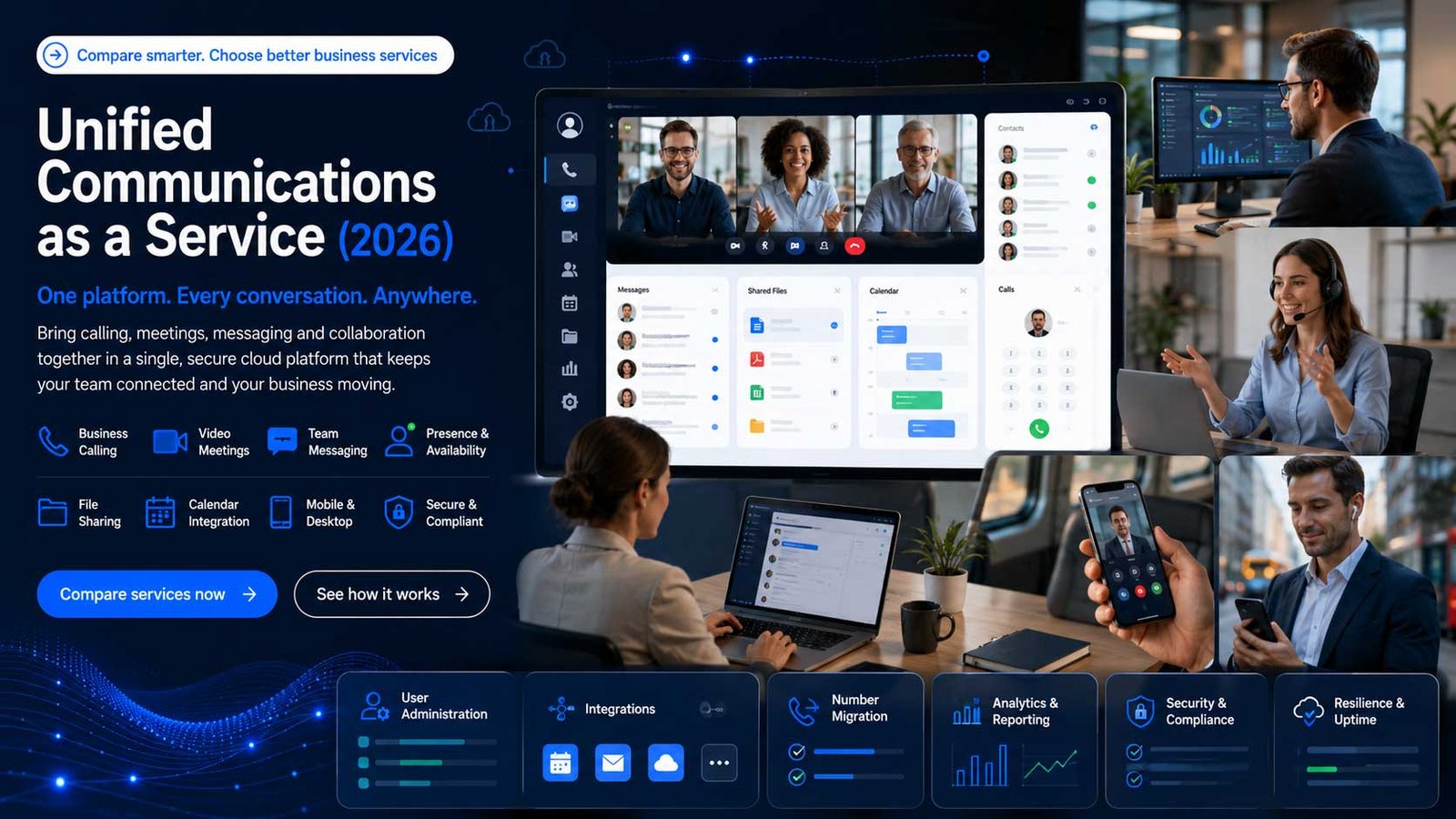
Why Unified Communications Matters For Hybrid UK Teams
UCaaS brings everyday communication channels into a shared cloud environment so staff can move between calling, meetings, messaging and collaboration without relying on separate systems.
- Give users one consistent experience across desktop, mobile and meeting-room devices
- Reduce fragmented administration across separate phone, chat and conferencing tools
- Support hybrid and multi-site teams with common presence, directory and policy controls
- Create clearer ownership for licences, integrations, number migration and user support
What To Check Before Choosing UCaaS
Unified Communications as a Service is broader than a cloud phone system. Your decision should cover business calling, video meetings, team messaging, presence, desktop and mobile apps, user administration, integrations, analytics, security controls and the practical work required to move people onto one platform.
Compare providers by operating fit rather than feature count alone. Check whether each platform suits your user roles, existing software, collaboration habits, number estate, locations, compliance requirements and internal support capability.
Use a dedicated comparison for contact centre platforms, Microsoft Teams Operator Connect, SIP trunks or core business connectivity when those requirements sit outside a wider UCaaS consolidation project.
Compare UCaaS Providers By Operating Fit
Shortlist providers by user experience, channel coverage, administration, migration capability, integration fit and support ownership rather than by the longest feature list.
| Provider or platform | Best-fit buyer profile | What to compare closely | Questions before choosing |
|---|---|---|---|
| RingCentral RingEX | SMEs and larger organisations wanting calling, messaging, meetings and integrations in one mature cloud platform. | Licence tiers, UK number support, app experience, integrations, analytics, AI features, migration services and support model. | Which functions are included in the chosen tier, and which need separate licences or services? |
| 8×8 Work | Distributed and multi-site teams looking for unified calling, meetings, messaging and global administration. | User profiles, international coverage, published service commitments, Teams integration, analytics and contact-centre expansion path. | Does the platform fit both everyday users and more complex reception, queue or supervisory roles? |
| Gamma Horizon Collaborate | UK SMEs buying through a telecoms partner and wanting cloud calling with chat, presence, meetings and screen sharing. | Partner support quality, licence mix, app capability, number migration, device options and responsibility for implementation. | Is the reseller providing a managed rollout, or only supplying licences and connectivity? |
| BT Cloud Work | Businesses seeking a UK network-backed UCaaS route with implementation and support under a broader BT relationship. | Professional services, contract structure, support escalation, number transfer, hardware, integrations and service ownership. | Will consolidation with BT simplify governance, or reduce flexibility compared with buying the platform directly? |
| Vodafone Business UC With RingCentral | Medium and larger businesses wanting an integrated fixed, mobile and collaboration proposition supported by Vodafone. | Mobile integration, licence bundles, app integrations, migration support, commercial ownership and cross-service billing. | Does the Vodafone relationship improve mobile-working outcomes and support accountability for your estate? |
| Cisco Webex | Organisations with Cisco devices, enterprise collaboration needs, complex locations or a requirement for central control. | Calling model, Control Hub administration, meeting rooms, device compatibility, PSTN options, security and migration path. | Will the business use the wider Webex platform, or pay for enterprise capability that most users do not need? |
| Zoom Workplace And Zoom Phone | Teams already standardised on Zoom meetings that want to add calling and messaging through a familiar user experience. | Phone licensing, UK PSTN coverage, number migration, admin controls, integrations, devices and resilience options. | Can the organisation consolidate communication without weakening existing call-routing or support requirements? |
| Microsoft Teams And Teams Phone | Microsoft 365-led organisations wanting calling, chat and meetings inside the application employees already use. | Teams licences, Teams Phone add-ons, PSTN route, certified devices, migration, governance and partner support. | Will PSTN connectivity use Microsoft Calling Plans, Operator Connect or Direct Routing, and who owns support? |
The Buying Criteria That Separate UCaaS Platforms
A platform can look comprehensive in a demonstration yet still be a poor fit when licences, user behaviour, integrations and support responsibilities are tested in detail.
Channel Completeness
Channel Completeness
Confirm how calling, meetings, messaging, presence, file sharing and mobile working fit together in the same user journey.
User Experience
User Experience And Adoption
Test whether everyday users can move between calls, chats and meetings without complex training or duplicate applications.
Calling Foundation
Calling And Number Migration
Review number porting, routing, reception functions, voicemail, emergency calling and the ownership of migration activity.
Governance
Administration And Policy Control
Compare user provisioning, role-based access, retention, recording policies, analytics and multi-site administration.
Workflow Fit
Integrations And Data Flow
Check Microsoft 365, Google Workspace, CRM, service desk and identity integrations against the workflows teams actually use.
Service Ownership
Resilience And Support
Understand service commitments, incident ownership, escalation, status communication and support for users, devices and numbers.
What UCaaS Can Cost Beyond The Headline Licence
Total cost includes external calling, devices, migration, integrations, administration, support and user adoption—not only the advertised monthly software licence.
| Cost area | Why it matters | How to compare it | Risk if ignored |
|---|---|---|---|
| Core User Licences | UCaaS products often separate basic, standard and advanced users by calling, meetings, analytics or integration capability. | Create user personas and licence each role against real requirements rather than placing everyone on the highest tier. | Over-licensing can create recurring waste across the entire contract. |
| PSTN Calling And Numbers | The collaboration licence may not include external calling, phone numbers, porting or international usage. | Separate platform cost from calling plans, number rental, usage, porting and specialist number requirements. | A low application price can hide the full telephony cost. |
| Devices And Meeting Rooms | Desk phones, headsets, conference equipment and room systems can materially change deployment cost. | Audit reusable equipment, certified devices, warranty, provisioning and replacement arrangements. | Unsupported or inconsistent devices can undermine adoption and call quality. |
| Integrations And AI Features | CRM connectors, recording, transcription, summaries, analytics and advanced administration may sit in higher tiers or add-ons. | Map each paid feature to a defined workflow, owner and measurable business outcome. | Feature-led buying can increase cost without improving productivity. |
| Migration And Professional Services | Discovery, configuration, number porting, testing, training and change management require time and specialist ownership. | Ask for a written migration scope, responsibilities, assumptions, acceptance criteria and rollback plan. | Unscoped migration work creates delays, change requests and user disruption. |
| Support And Contract Terms | Support may come from the platform vendor, network provider, reseller or managed-service partner. | Compare response targets, escalation, renewal, annual price changes, exit support and data export. | Ambiguous ownership makes incidents slower and exits harder. |
Which UCaaS Model Fits Your Organisation?
The strongest platform depends on user roles, collaboration habits, locations, software estate, governance needs and internal ability to manage change.
Growing SMEs
Prioritise simple administration, clear licence tiers, dependable support and a fast user experience across mobile and desktop.
Hybrid And Multi-Site Teams
Focus on presence, consistent policies, shared directories, location routing, meeting quality and central management across sites.
Microsoft-Centric Organisations
Test whether Teams Phone reduces application switching while keeping PSTN connectivity, devices and support responsibilities clear.
Complex Or International Estates
Review global number coverage, carrier options, compliance controls, reporting, delegated administration and migration governance.
Plan The UCaaS Migration Around People And Workflows
Successful deployment depends on discovery, network readiness, user testing, number planning, training and support—not only platform configuration.
| Rollout stage | What to complete | Evidence before moving forward |
|---|---|---|
| Discovery And User Personas | Document user groups, locations, numbers, call flows, meeting habits, applications and compliance needs. | Approved requirements matrix and named owner for each user persona. |
| Network And Device Readiness | Test LAN, Wi-Fi, internet paths, headsets, desk phones, meeting rooms and remote-user conditions. | Readiness report with remediation actions before pilot deployment. |
| Configuration And Number Plan | Design users, groups, queues, policies, dial plans, emergency locations, integrations and reporting access. | Configuration workbook reviewed by operational owners. |
| Pilot And Acceptance | Run a controlled pilot with representative roles, locations and real workflows rather than only IT users. | Acceptance criteria covering calls, meetings, messages, devices, integrations and support. |
| Training And Change | Provide role-based guidance for everyday users, reception, managers, administrators and support teams. | Adoption plan, quick guides, champions and measurable usage outcomes. |
| Go-Live And Stabilisation | Sequence number migration, cutover, floor support, incident handling and post-launch optimisation. | Named escalation route, hypercare period and review of licences and workflows. |
Questions To Ask Before Requesting UCaaS Quotes
These questions reveal whether a supplier understands your operating model or is only matching users to a standard licence bundle.
Which Channels Must Be Truly Unified?
Ask whether users need calling, meetings, messaging, presence, SMS, file sharing or only a smaller combination.
How Will Existing Numbers Move?
Confirm number ownership, porting sequence, temporary routing, emergency locations and the support plan for cutover.
Which Users Need Which Licence?
Separate basic users, power users, reception, supervisors, executives, mobile staff and administrators.
What Must Integrate On Day One?
Prioritise identity, calendar, CRM, helpdesk and compliance integrations that support live workflows.
Who Owns Support End To End?
Clarify responsibility across the UCaaS vendor, PSTN carrier, reseller, network provider and internal IT team.
How Will Adoption Be Measured?
Define training completion, active usage, abandoned tools, support demand and user-experience measures after launch.
Build A Shortlist Around Operating Fit
Start with the communication experience the organisation wants to standardise. Then reduce the market to platforms that support the required channels, integrations, number model, locations, governance and support structure.
A useful shortlist should normally contain no more than three credible options. Each supplier should demonstrate the same real workflows: an inbound customer call, transfer between desktop and mobile, scheduled and ad-hoc meetings, internal messaging, presence, CRM access, user provisioning and incident escalation. Consistent demonstrations make differences easier to evaluate and prevent a polished sales presentation from replacing evidence.
- Define user personas and the channels each role genuinely needs.
- Choose whether calling should sit inside a broader collaboration suite or remain a specialist platform.
- Remove providers that cannot support required numbers, locations, integrations or policies.
- Compare implementation scope, adoption support and end-to-end incident ownership.
- Pilot the final options with representative users before committing the full estate.
Avoid Feature-Count Buying
The best UCaaS platform is not automatically the one with the most features. It is the one employees can adopt, administrators can govern and suppliers can support across the full communication journey. Unused complexity creates recurring licence cost without improving collaboration.
How To Compare UCaaS Provider Proposals
Start with your operating requirements rather than a vendor feature list. Define which communication channels must work together, the user groups involved, current applications, number migration, administration, governance, rollout capability and support ownership before comparing headline licence costs.
Separate platform capability from implementation quality. Two businesses can buy the same UCaaS product and receive very different outcomes because discovery, configuration, training, network preparation and ongoing support are delivered differently. Ask every supplier to separate the software platform, PSTN service, devices, professional services and managed support so you can compare proposals like for like.
- Map user personas and workflows before comparing licence tiers
- Assess calling, meetings, messaging and presence as one user experience
- Include migration, integrations, training and adoption in total cost
- Confirm service ownership across the platform, carrier, supplier and internal teams
- Review contract flexibility against growth, change and future platform plans
What A Strong Proposal Should Confirm
A credible proposal should show how the platform will support your people, workflows, governance and migration. It should define licences, calling arrangements, number porting, integrations, training, acceptance testing, support escalation, contract terms and the responsibilities of every supplier involved.
Use This Sequence Before Signing A UCaaS Contract
A structured sequence reduces over-licensing, migration risk, fragmented support and poor user adoption.
- Inventory current phone, meeting, messaging, mobile, room and integration tools.
- Group users by role and assign required channels, devices and administration needs.
- Document numbers, call flows, locations, recording, retention and emergency requirements.
- Test network, Wi-Fi, remote working and meeting-room readiness before rollout.
- Request a written migration, porting, training, support and acceptance plan.
- Compare total contract cost and ownership, then pilot the final shortlist with real users.
Frequently Asked Questions
Quick answers for UK business buyers comparing unified communications and UCaaS providers.
What Is The Difference Between UCaaS And A VoIP Phone System?
A VoIP phone system primarily replaces business calling. UCaaS combines calling with wider collaboration functions such as video meetings, team messaging, presence and shared administration. Some platforms provide both, but the buying intent and rollout scope are broader for UCaaS.
Which Businesses Benefit Most From UCaaS?
UCaaS is often suitable for hybrid, multi-site and growing organisations that currently use separate tools for calls, meetings and messaging. It can also help businesses that need consistent user administration and communication policies across locations.
Does A UCaaS Licence Include External Phone Calls?
Not always. Some licences include the collaboration application but require a separate calling plan, PSTN carrier, number service or usage package. Buyers should separate platform licensing from external calling and number costs.
Can A Business Keep Its Existing Phone Numbers?
Existing numbers can often be transferred, subject to provider checks and number ownership. The migration plan should confirm porting scope, timing, temporary routing, emergency locations and support during cutover.
How Long Does A UCaaS Migration Take?
Timing depends on user count, locations, number complexity, integrations, devices, network readiness and change management. A controlled pilot and phased rollout are usually safer than moving every user and number at once.
Should A Business Choose Microsoft Teams Phone Or A Separate UCaaS Platform?
The answer depends on the existing Microsoft 365 estate, user experience, calling requirements, integrations, administration and support model. Teams Phone can reduce application switching, while a specialist UCaaS platform may offer a different feature, carrier or support fit.
Provider Information And Verification Resources
Use these official resources to verify current platform features, licence structures, calling options and support arrangements. Ask shortlisted suppliers to confirm the complete service scope, migration responsibilities, commercial terms and availability in writing before signing.