Compare Business Phone Systems Providers UK (2026)
A structured way to choose the right phone system before the PSTN switch-off
Compare business phone systems for UK companies, including cloud VoIP, hosted PBX, UCaaS, Microsoft Teams Phone, SIP trunks and hybrid options. Check pricing, key features, PSTN switch-off readiness, provider suitability, number porting, call routing and migration risks before choosing the right phone system for your team in 2026 with confidence.
Choose the route first
Compare cloud VoIP, hosted PBX, UCaaS, Teams Phone, SIP and hybrid options before choosing a provider.
Choose The Phone System Path That Matches Your Business
Each option solves a different problem. The colour-coded cards below help visitors quickly separate simple VoIP, structured PBX, UCaaS and migration-led routes.
Cloud VoIP
Best for most SMEs that want flexible calling, apps, number portability and fast migration away from traditional phone lines.
Hosted PBX
Best for offices that still want extensions, ring groups, receptionist routing and familiar phone-system structure.
UCaaS
Best for hybrid teams that want voice, video, messaging, presence and collaboration in one platform.
Teams / SIP / Hybrid
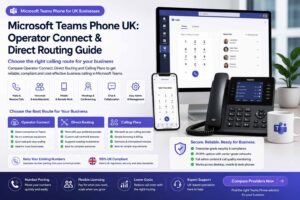
Best when Microsoft 365, existing PBX hardware, SIP trunks or a phased migration strategy shapes the decision.
Compare business phone systems for UK companies, including cloud VoIP, hosted PBX, UCaaS, Microsoft Teams Phone, SIP trunks and hybrid options. Check pricing, key features, PSTN switch-off readiness, provider suitability, number porting, call routing and migration risks before choosing the right phone system for your team in 2026 with confidence.
Last updated: September 2026
Reviewed by: CompareServices Editorial Team
Reading time: 16–18 minutes
Quick Answer
For most UK SMEs, a cloud VoIP or hosted PBX system is the practical default in 2026 because it supports number porting, app-based calling, call routing, remote working and PSTN migration. Teams Phone, SIP trunking and hybrid systems are better when Microsoft 365, existing PBX hardware or phased migration needs shape the project.
The best choice is not always the cheapest seat price. Compare total first-year cost, contract length, setup support, call recording, number charges, support levels, hardware, resilience and the complexity of your current phone estate before choosing a supplier.
Best-fit summary:
| Business scenario | Best-fit phone system | Why it fits | Check before choosing |
|---|---|---|---|
| Sole trader or micro business | Hosted VoIP | Low cost, quick setup and mobile app support | Renewal price, number fees and app quality |
| Small office with reception calls | Hosted PBX | Extensions, ring groups and auto-attendant routing | Call routing limits and setup support |
| Hybrid or remote team | UCaaS | Voice, video, messaging and apps in one platform | Licence tiers, integrations and unused features |
| Microsoft 365-led business | Teams Phone or Operator Connect | Keeps calling inside Microsoft Teams | Licensing, routing model and support responsibility |
| Existing PBX investment | SIP trunking | Keeps compatible hardware while replacing ISDN | PBX compatibility, resilience and security |
| Regulated or IT-managed organisation | Self-managed IP PBX or governed cloud | More control over configuration, data and deployment | Maintenance, updates, backups and specialist support |
| Phased migration project | Hybrid phone system | Reduces disruption across sites and legacy equipment | Final migration plan and long-term cost |
Start here: compare business phone systems only after listing your current users, phone numbers, call routes, devices, contract end dates and any PSTN-dependent services such as alarms, lifts, payment terminals or fax lines.
Why Trust CompareServices?
CompareServices is an independent UK business services comparison platform built to help companies review suppliers with clearer criteria, transparent disclosures and practical decision support.
We compare providers using a consistent methodology that considers pricing transparency, feature suitability, contract terms, support quality, UK availability, implementation complexity, service reliability, user suitability and commercial risk. We are transparent about affiliate relationships and do not present provider lists as a guarantee that every supplier is suitable for every business.
Trust signals kept visible on this page:
- Clear provider scoring criteria
- Visible affiliate and commercial disclosure standards
- UK business suitability checks
- Category boundaries to avoid confusing one service with another
What Is a Business Phone System?
A business phone system is a multi-user calling platform that helps a company manage inbound calls, outbound calls, extensions, call routing, voicemail, number presentation, call recording, reporting and user access across a team.
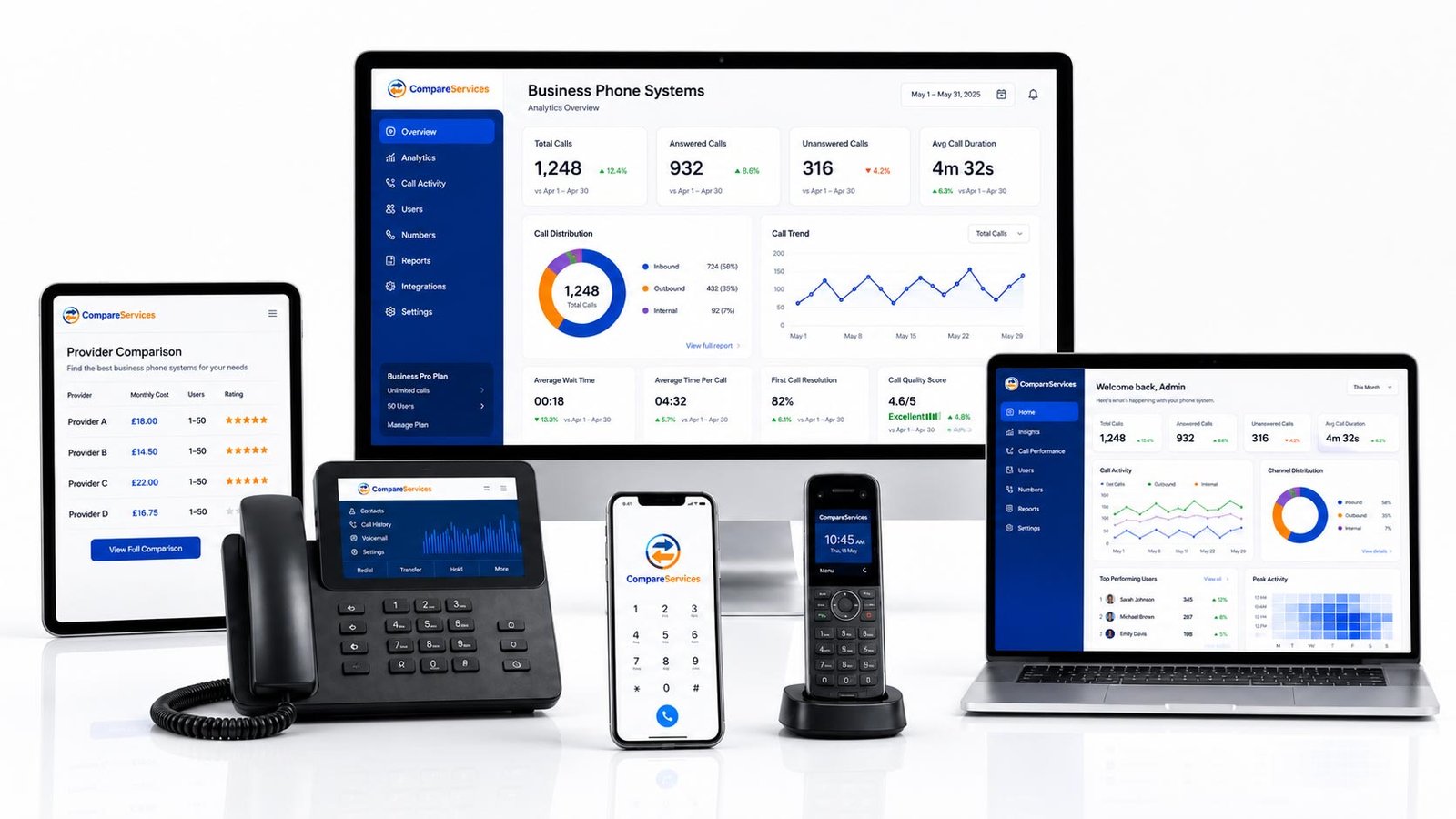
Older business phone systems often depended on analogue PSTN lines, ISDN circuits or on-premise PBX hardware. Modern systems usually run over internet protocol using cloud VoIP, hosted PBX, SIP trunks or unified communications platforms.
A business phone system normally includes some combination of:
- Business phone numbers and direct dial numbers
- User extensions and department routing
- Auto-attendant or IVR menus
- Call forwarding, hunt groups and call queues
- Voicemail, voicemail-to-email and missed-call alerts
- Desktop and mobile softphone apps
- Desk phone support where needed
- Call recording and reporting
- CRM, Microsoft 365 or helpdesk integrations
- Admin controls for adding, removing and managing users
The main difference between a consumer phone service and a business phone system is control. A business platform lets the company manage how calls enter the organisation, who receives them, what happens when staff are unavailable, how numbers are presented, and how performance is reported.
PSTN Switch-Off: Why UK Businesses Must Review Phone Systems Now
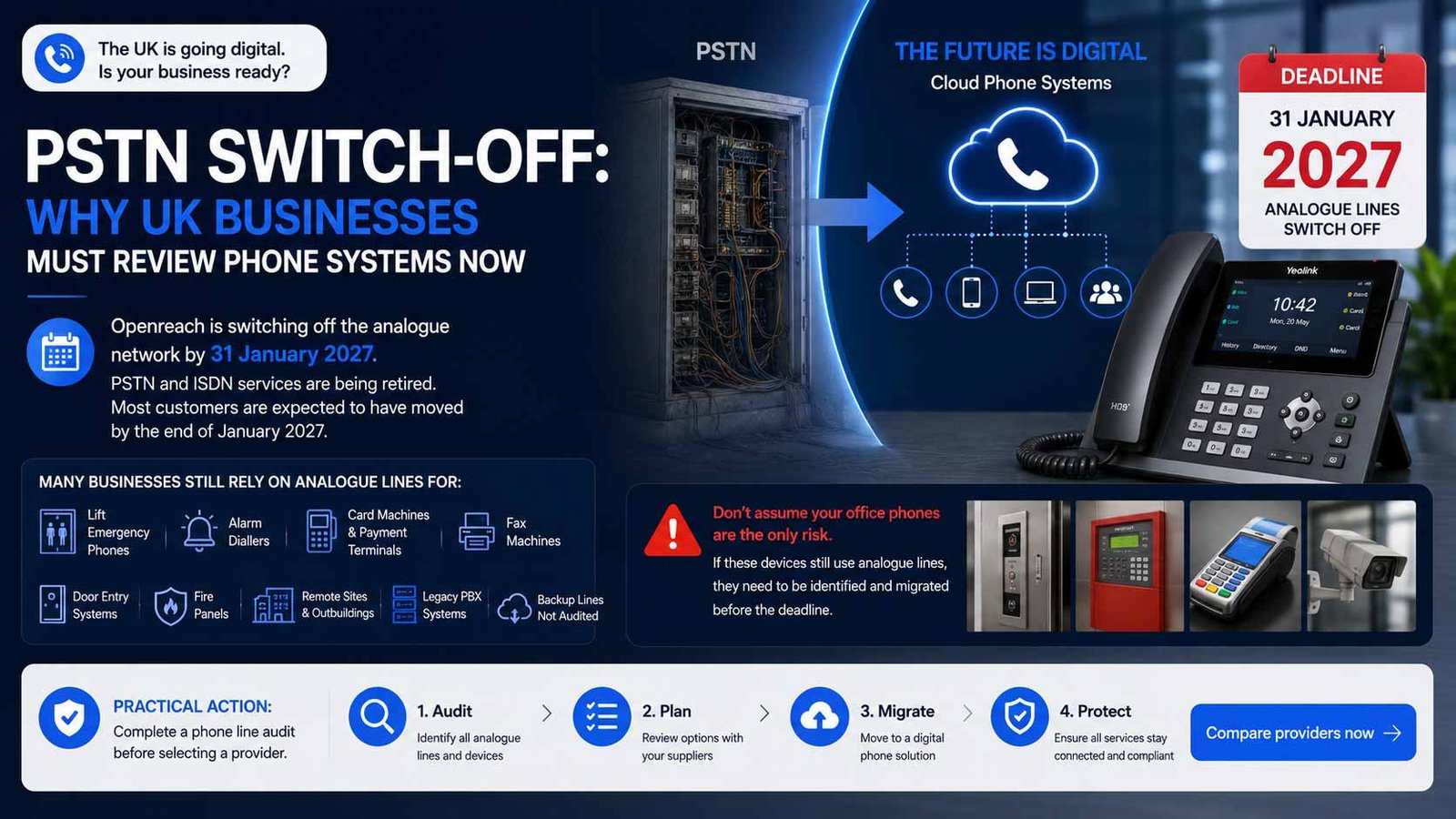
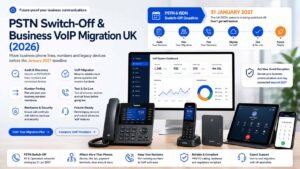
The UK is moving from analogue phone lines to digital phone services. Openreach states that the existing analogue network is being switched off by 31 January 2027 and that analogue phone lines are no longer sold to new customers. GOV.UK guidance also confirms that PSTN and ISDN services are being retired, with most customers expected to have moved by the end of January 2027.
For businesses, the issue is not only office telephones. Many organisations still have older lines connected to:
- Lift emergency phones
- Alarm diallers
- Card machines or payment terminals
- Fax machines
- Door entry systems
- Fire panels
- Remote sites or outbuildings
- Legacy PBX systems
- Backup lines that have not been audited for years
If these are still dependent on analogue services, they need to be identified and migrated before the deadline. A cloud phone system may solve the main office calling requirement, but each connected device should be checked separately with the relevant supplier.
Practical action: complete a phone line audit before selecting a provider. Do not assume that replacing the office handset system automatically migrates every PSTN-dependent service.
Types of Business Phone Systems Compared
There are several ways to modernise business telephony. The right choice depends on whether you want a fully managed cloud system, a Microsoft-first setup, a self-managed platform, or a phased migration from existing PBX hardware.
1. Cloud VoIP Phone System
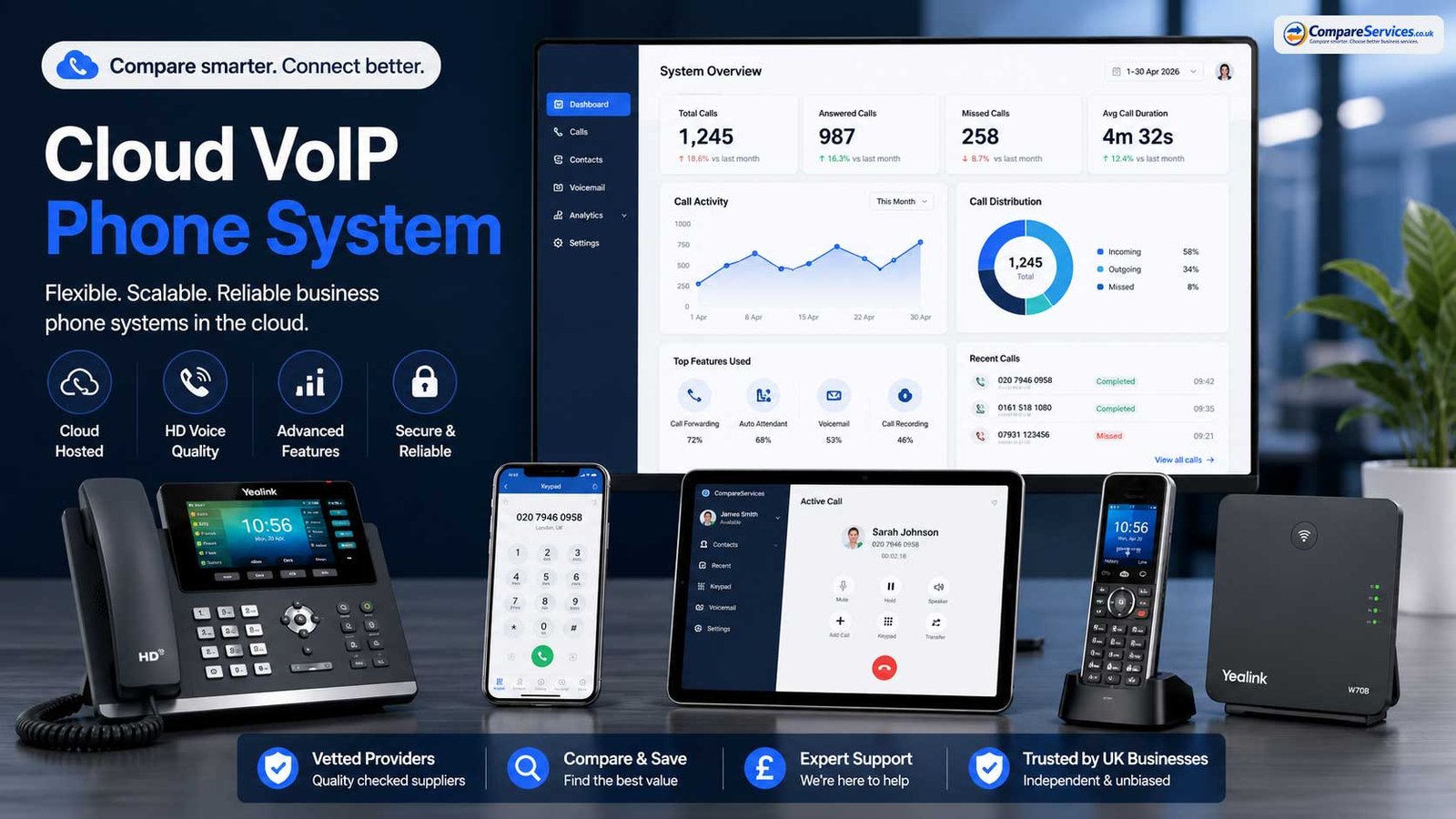
A cloud VoIP phone system sends calls over an internet connection and hosts the phone system in the provider’s cloud environment. Users access the service through desktop apps, mobile apps or IP desk phones.
Best for: most small and mid-sized UK businesses replacing traditional landlines or ISDN.
Typical cost range: around £7–£30 per user per month depending on features, calling bundle and contract.
Strengths:
- No on-premise PBX hardware required
- Fast to add or remove users
- Works for office, remote and hybrid teams
- Supports number porting
- Usually includes useful features such as voicemail, forwarding and call routing
- Good fit for PSTN migration
Watch-outs:
- Call quality depends on connectivity and internal network quality
- Important features such as call recording, AI summaries, advanced analytics or CRM integrations may require higher plans or add-ons
- Contracts, renewal terms and number porting rules should be checked carefully
2. Hosted PBX
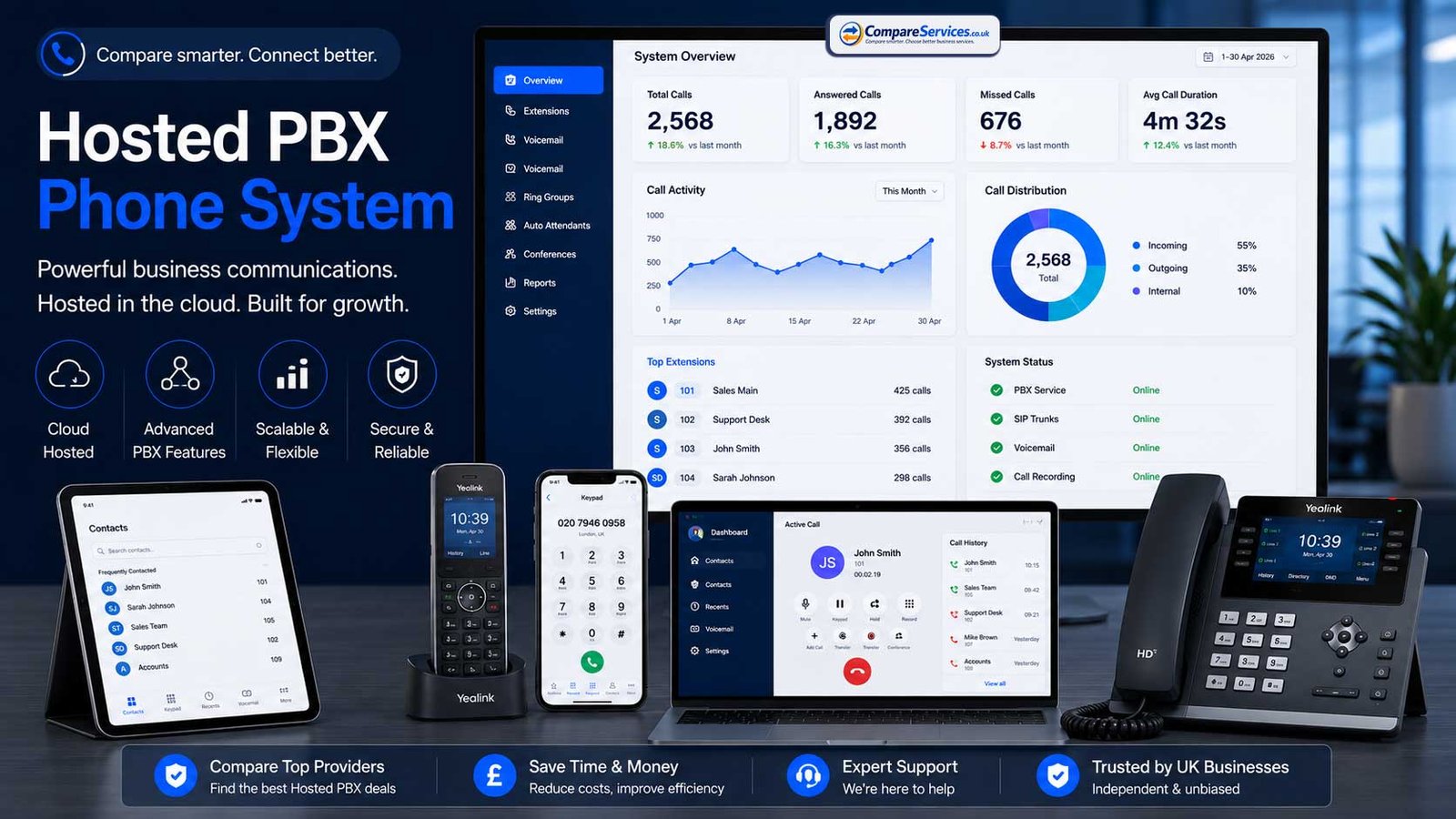
Hosted PBX is a cloud-based version of a traditional office PBX. It keeps the familiar structure of extensions, departments, ring groups and receptionist workflows, but the infrastructure is hosted and managed by the provider.
Best for: office-based businesses that want a familiar phone-system structure without maintaining hardware.
Typical cost range: around £10–£30 per user per month.
Strengths:
- Familiar PBX-style setup
- Strong fit for reception, admin and department routing
- No server room hardware
- Useful for companies moving from legacy PBX systems
Watch-outs:
- Some hosted PBX products are less collaboration-focused than UCaaS platforms
- Video, team chat and deeper integrations may be limited or cost extra
- Complex call flows may require provider support to configure properly
3. UCaaS Platform
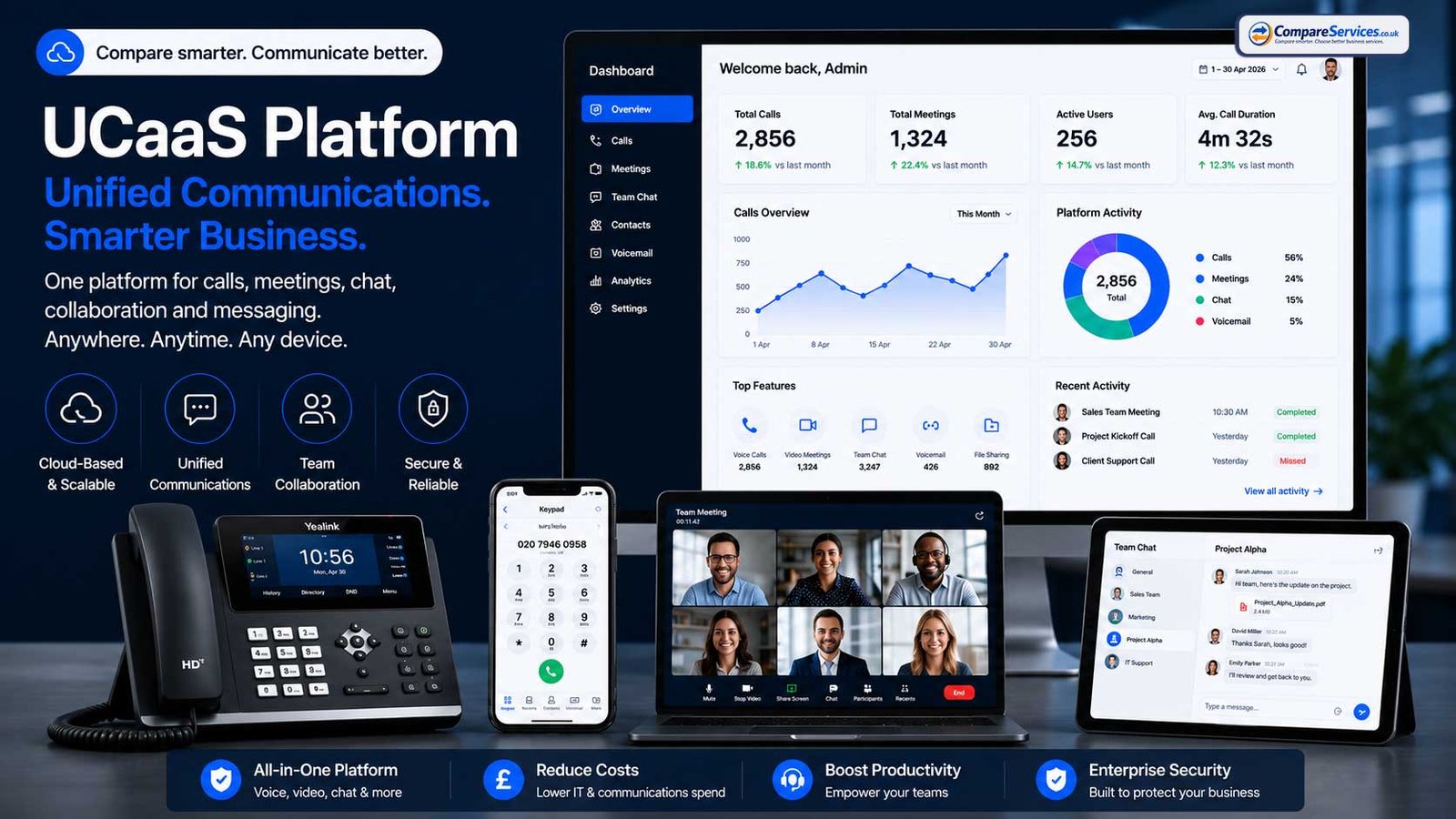
UCaaS means Unified Communications as a Service. It brings calling, video meetings, team messaging, presence, file sharing, collaboration and sometimes AI features into one subscription.
Best for: hybrid teams, growing SMEs, multi-site businesses and companies trying to reduce separate communication tools.
Typical cost range: often around £15–£40+ per user per month, depending on tier and features.
Strengths:
- Voice, video and messaging in one platform
- Good for hybrid working
- Stronger analytics and integrations than basic hosted phone systems
- AI features are increasingly common
- Useful for distributed teams and customer-facing departments
Watch-outs:
- More expensive than basic VoIP
- Some staff may not need the full UCaaS licence
- Feature-heavy platforms can be overkill for very small businesses
- Vendor lock-in should be considered before moving messaging and meetings into the same platform
4. Microsoft Teams Phone
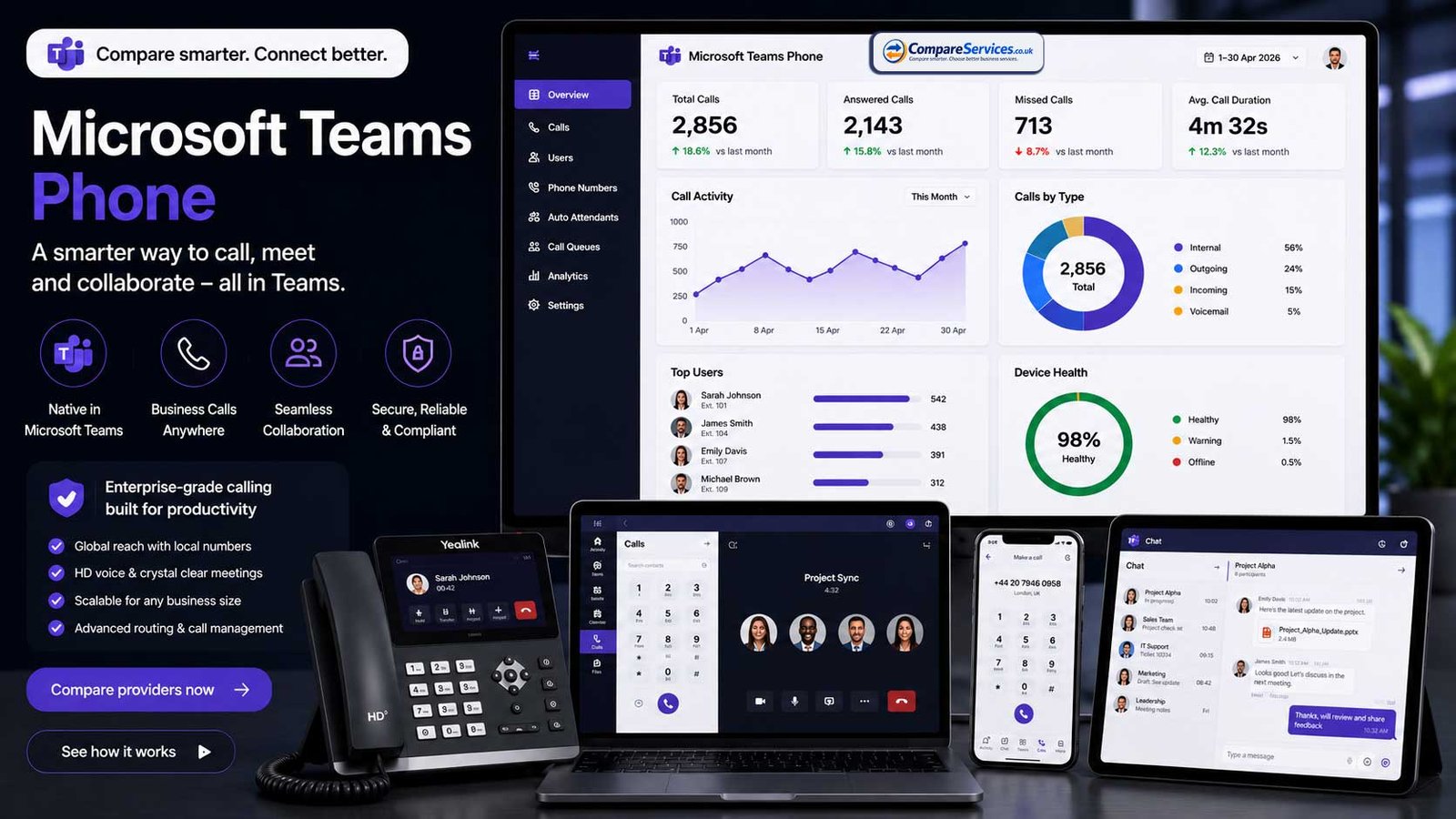
Microsoft Teams Phone adds business calling to Microsoft Teams. Businesses can use Microsoft calling plans, Direct Routing or Operator Connect depending on their licences, provider relationships and technical requirements.
Best for: companies already using Microsoft 365 and Teams as their daily collaboration hub.
Strengths:
- Keeps calling inside the Teams interface
- Familiar user experience for Microsoft-first teams
- Can simplify internal calling and collaboration
- Strong fit for businesses with centralised Microsoft administration
Watch-outs:
- Licensing can be more complex than a standalone VoIP subscription
- Advanced call centre-style features may need third-party tools
- External calling depends on the selected calling route
- Implementation usually needs more planning than a basic hosted VoIP service
5. SIP Trunking
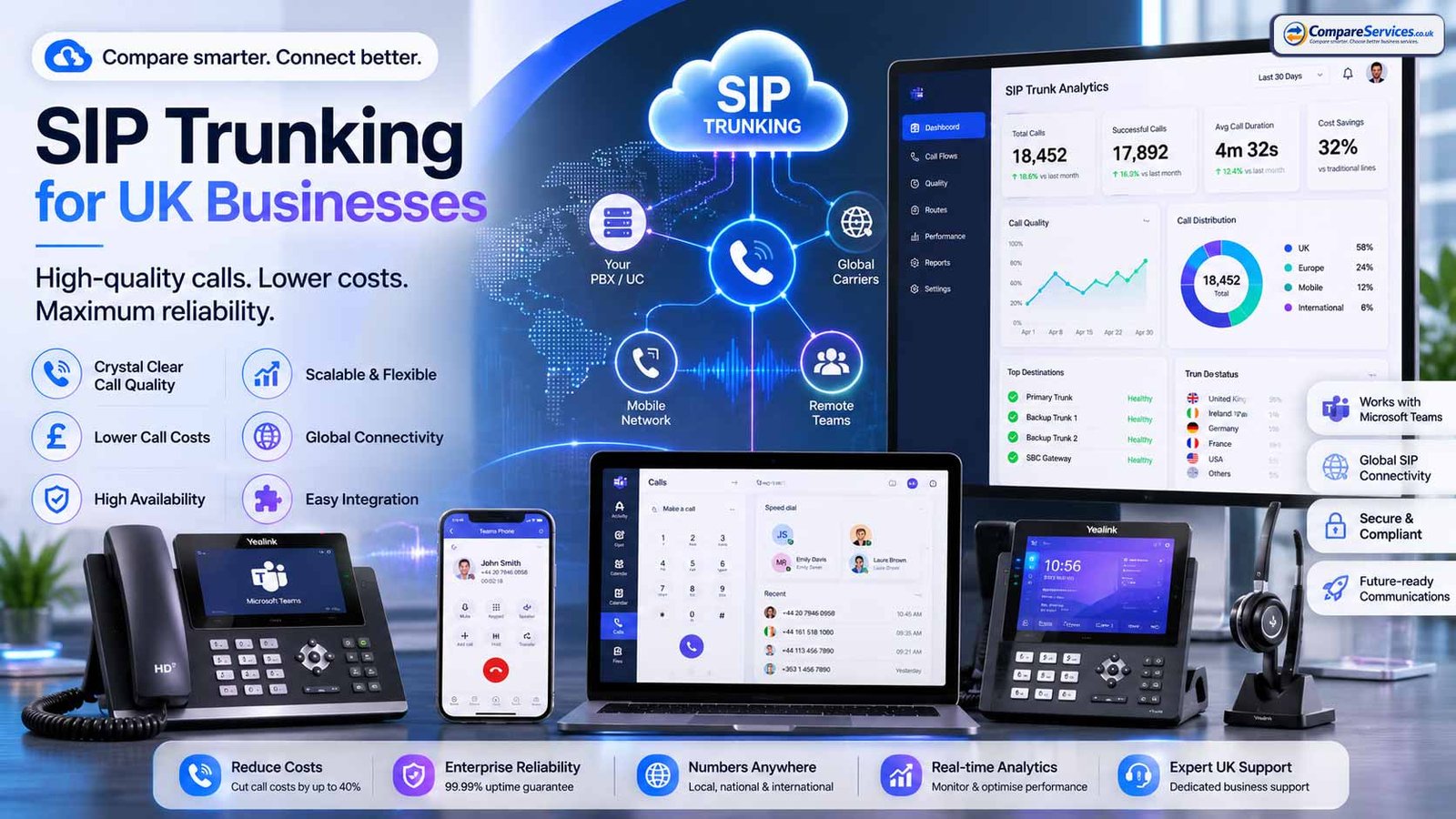
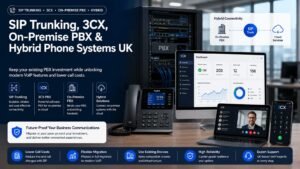
SIP trunking connects an existing IP-ready PBX to the public telephone network using internet protocol. It can be useful where a business has already invested in PBX hardware or wants to keep a controlled on-premise setup while replacing ISDN.
Best for: businesses with an existing PBX, IT-managed telephony, multi-site estates or phased migration plans.
Strengths:
- Lets businesses keep compatible PBX investment
- Can be cost-effective for larger or more complex estates
- Supports number ranges and call routing
- Useful bridge away from ISDN
Watch-outs:
- Requires PBX compatibility and technical management
- Not as simple as fully hosted VoIP
- Resilience, failover and security must be designed carefully
- Not ideal for businesses wanting a simple app-based phone system
6. On-Premise IP PBX
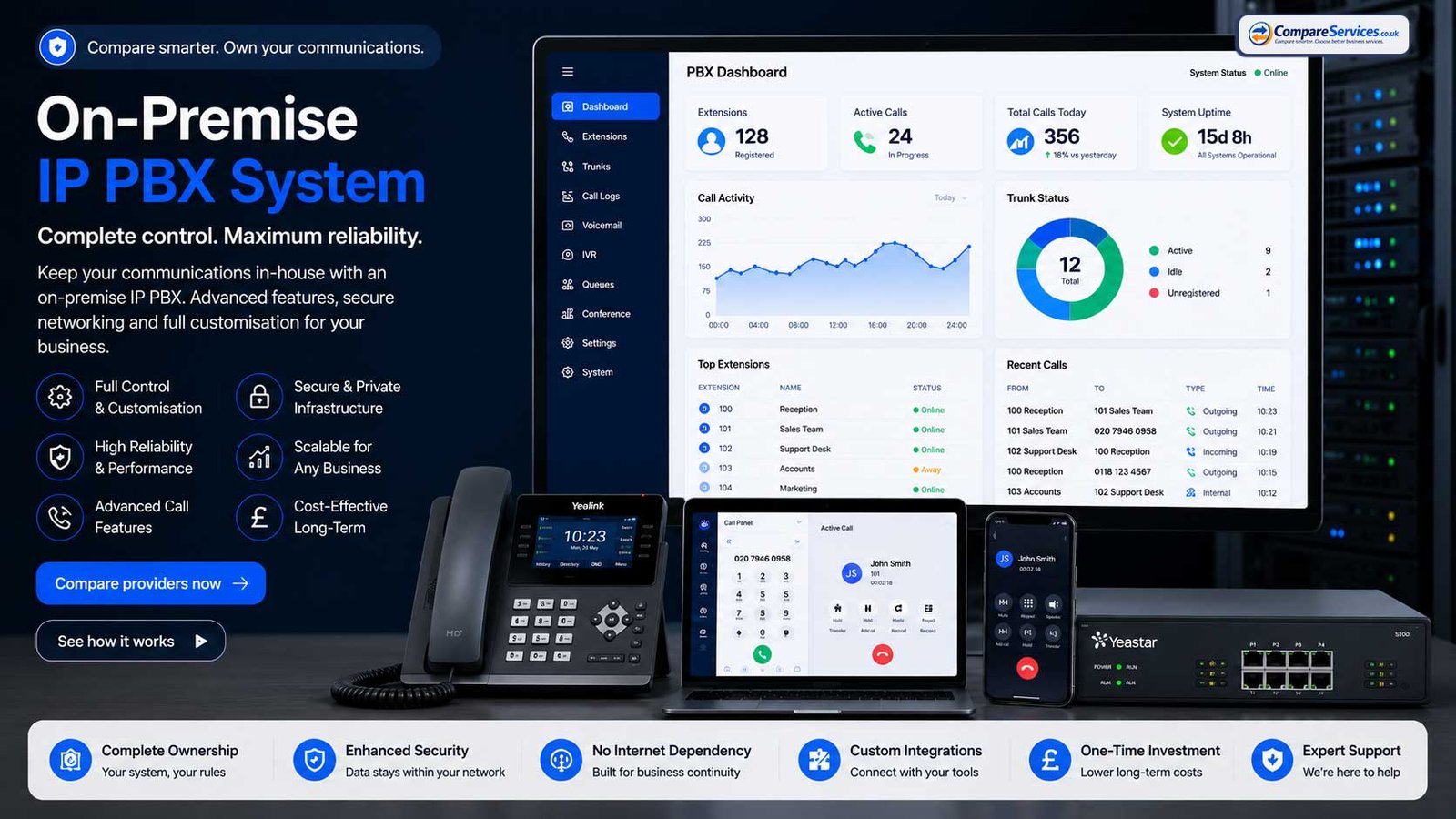
An on-premise IP PBX is a phone system installed and managed on business-controlled infrastructure. It usually connects to external calls through SIP trunks.
Best for: larger organisations, regulated sectors, IT-led businesses or companies with strict control requirements.
Typical cost range: high upfront cost plus support, hosting, maintenance, handsets, SIP trunks and internal administration.
Strengths:
- More control over configuration and data
- Can suit complex or regulated environments
- Useful where internal IT has telephony expertise
- May be cost-effective at scale when properly managed
Watch-outs:
- Higher setup and maintenance responsibility
- Security updates and resilience become internal responsibilities
- Less flexible for quick remote expansion unless designed well
- Engineer or specialist support may be needed
7. Hybrid Business Phone System
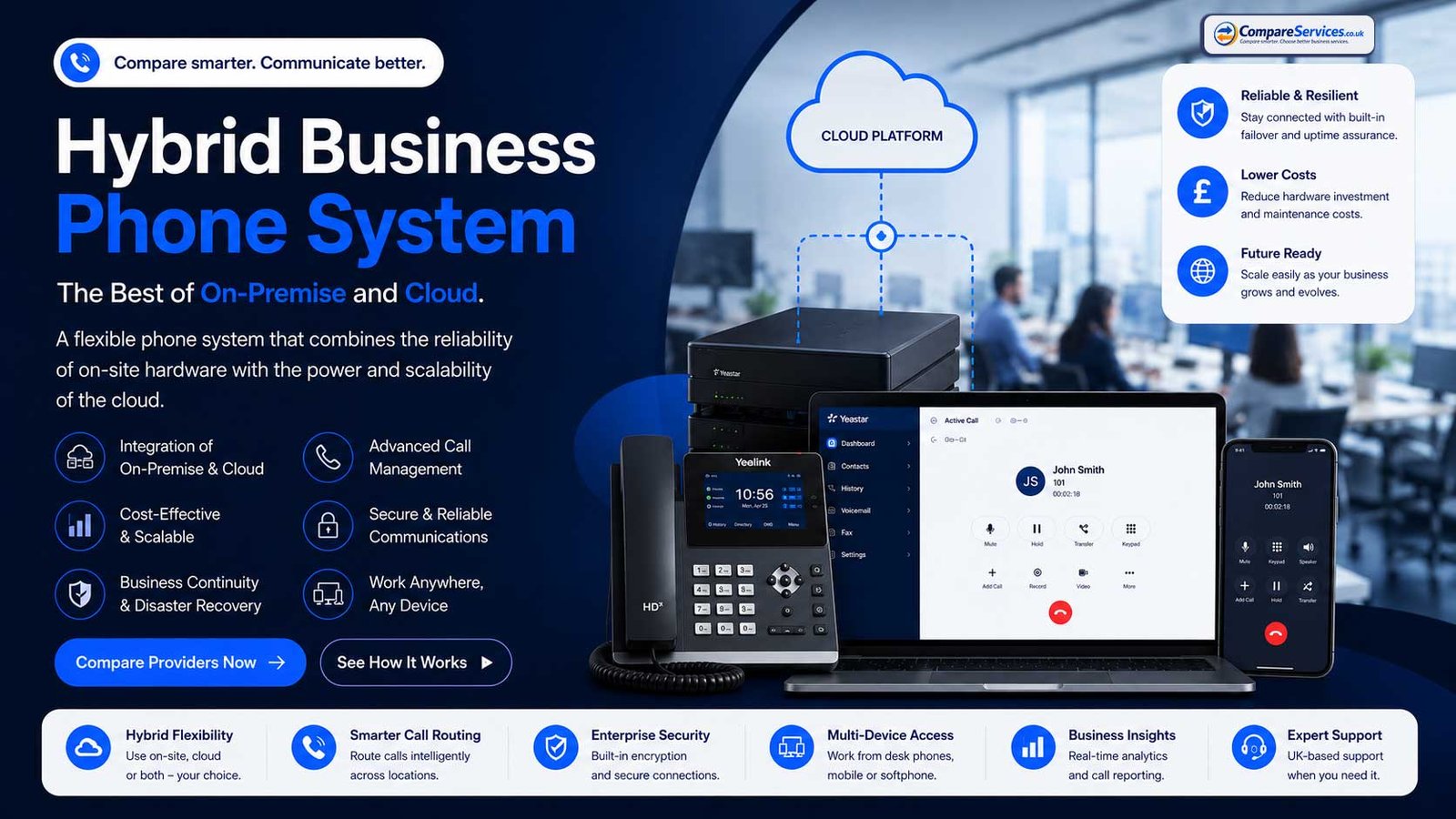
A hybrid system combines existing PBX hardware with cloud features or staged migration. It can be useful when a full replacement is not practical immediately.
Best for: businesses with existing hardware, multiple sites, phased procurement cycles or migration risk.
Strengths:
- Avoids sudden replacement of every component
- Protects some existing investment
- Can migrate sites or teams in phases
- Useful when legacy devices require careful testing
Watch-outs:
- More complex to manage
- Can create two systems during transition
- Long-term cost may be higher than moving fully to cloud
- Requires a clear end-state plan
Business Phone System Types at a Glance
| System type | Best for | Upfront cost | Monthly model | PSTN-ready? | Remote working fit |
|---|---|---|---|---|---|
| Cloud VoIP | Most SMEs and startups | Low | Per user/month | Yes | Strong |
| Hosted PBX | Office-based teams | Low | Per user/month | Yes | Good |
| UCaaS | Hybrid and growing teams | Low | Per user/month | Yes | Strong |
| Teams Phone | Microsoft 365-first companies | Low–medium | Microsoft licence + calling route | Yes | Strong |
| SIP trunks | Existing PBX users | Medium | Channel/trunk-based | Yes, with correct setup | Depends on PBX |
| On-premise IP PBX | IT-managed and regulated firms | High | Hardware + support + SIP | Yes, with SIP | Moderate |
| Hybrid | Phased migrations | Medium | Mixed | Yes, with design | Moderate |
Best Business Phone System Providers for UK Companies
The right provider depends on your business size, call pattern, feature needs and migration route. The providers below are included because they are widely used, visible in the UK market, and relevant to common buyer scenarios. Always confirm live pricing, VAT, contract terms, number charges, call bundles and add-ons before signing.
RingCentral — Strong All-Round UCaaS Platform
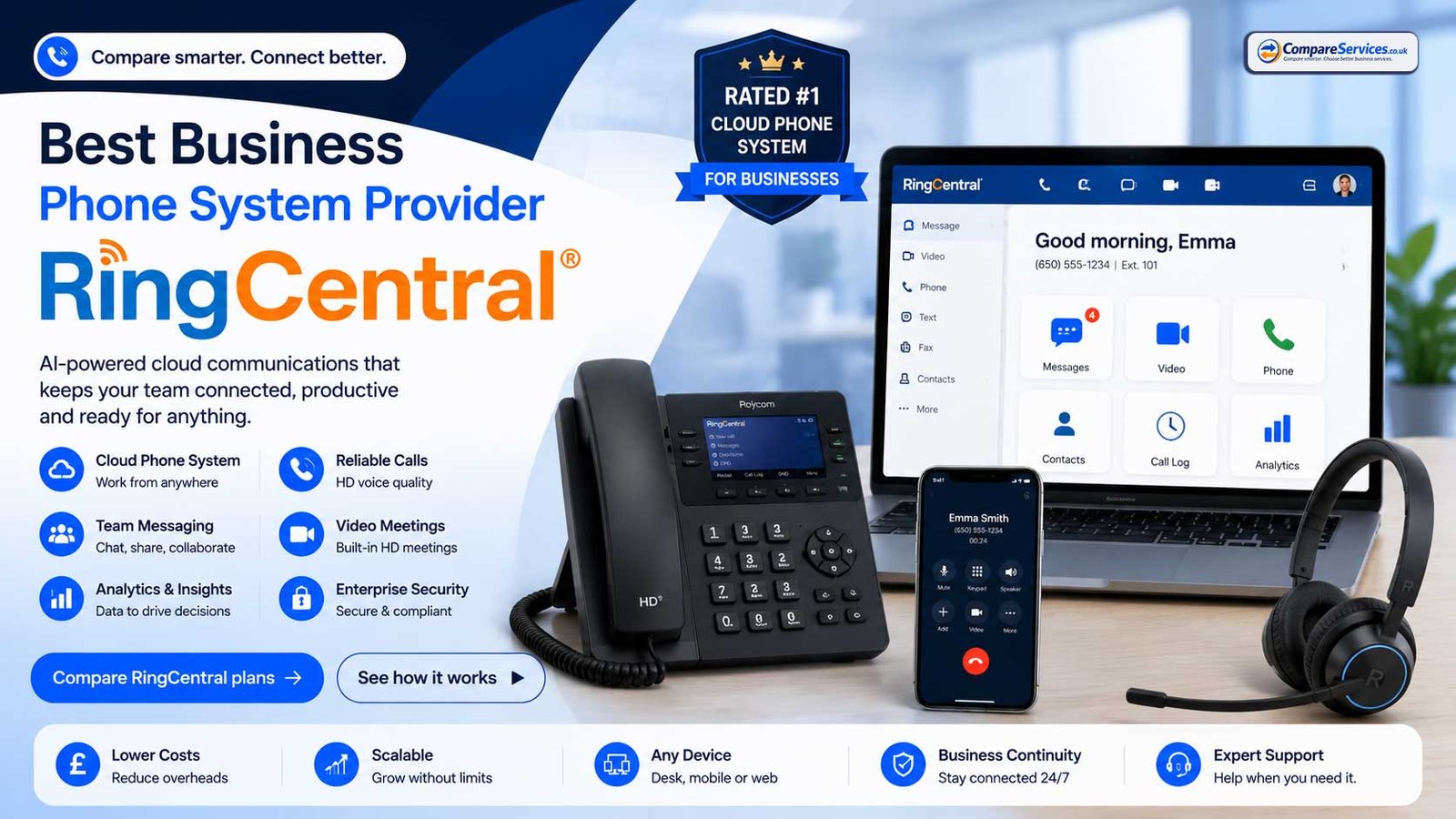
Best for: businesses wanting a polished cloud communications platform with voice, video, messaging, analytics and broad integrations.
RingCentral is a strong fit for SMEs and larger teams that want a mature UCaaS experience rather than only basic business calling. It is especially relevant where call analytics, mobile access, collaboration features and integrations matter.
Strengths:
- Broad cloud communications feature set
- Strong app experience across desktop and mobile
- Good integration ecosystem
- Useful analytics and admin controls
- Suitable for hybrid and multi-site teams
Watch-outs:
- Annual and monthly pricing can differ materially
- Add-ons and higher tiers may be needed for advanced requirements
- Businesses should check SMS, international calling and recording terms
GoTo Connect — Strong for Call Flows and Business Calling
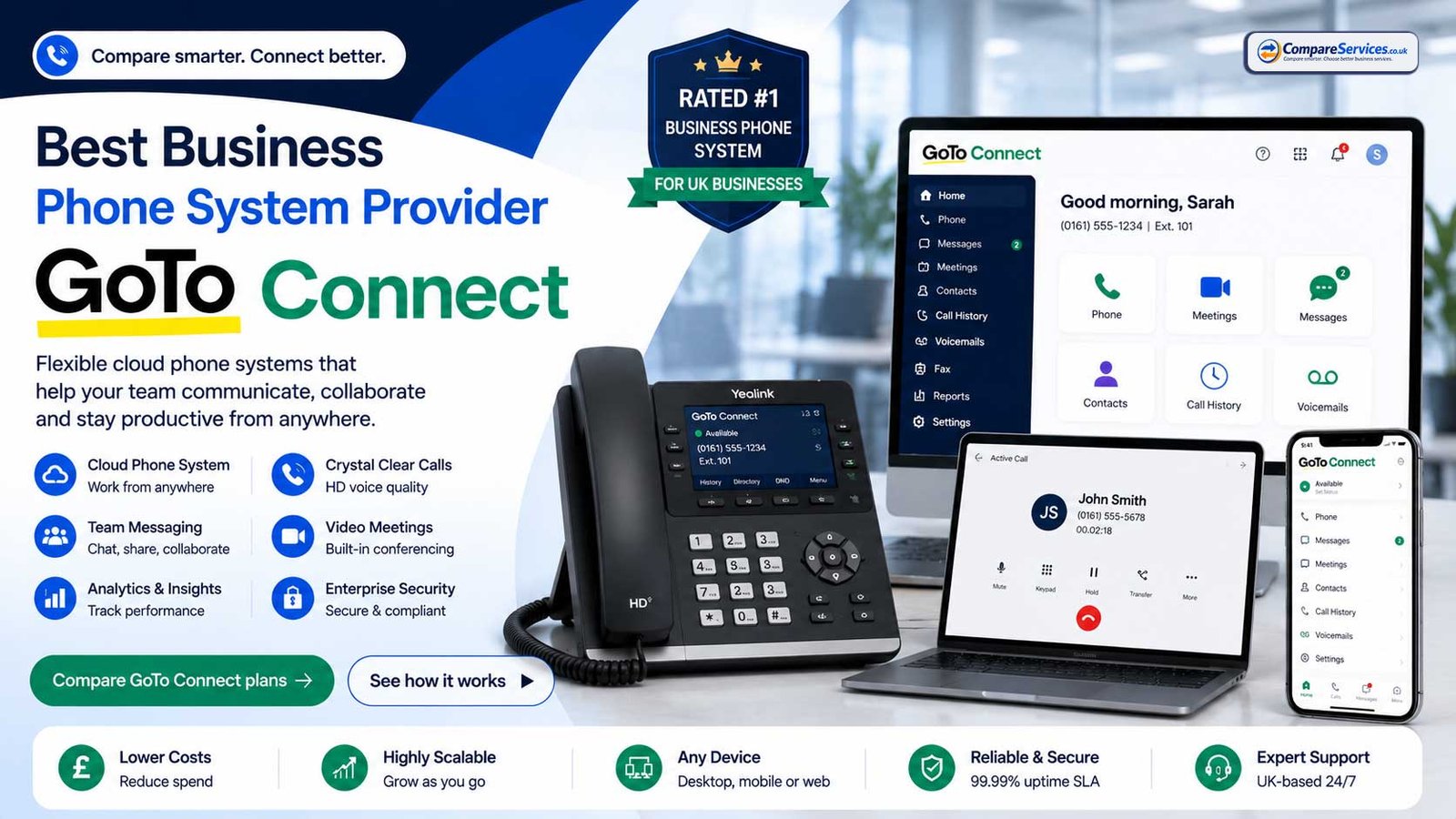
Best for: SMEs wanting a flexible cloud phone system with calling, meetings and manageable administration.
GoTo Connect is well suited to businesses that want cloud phone features with structured call routing. It can work well where reception menus, department routing and mobile access are important.
Strengths:
- Cloud phone system and meetings in one environment
- Useful call routing and admin tools
- Suitable for small, mid-sized and distributed businesses
- Good option for companies moving away from traditional office lines
Watch-outs:
- Final cost depends on plan, add-ons and contract
- Businesses should confirm UK-specific plan availability and support arrangements
- Contact centre capabilities should be assessed separately if required
bOnline — Good Value for Small UK Businesses
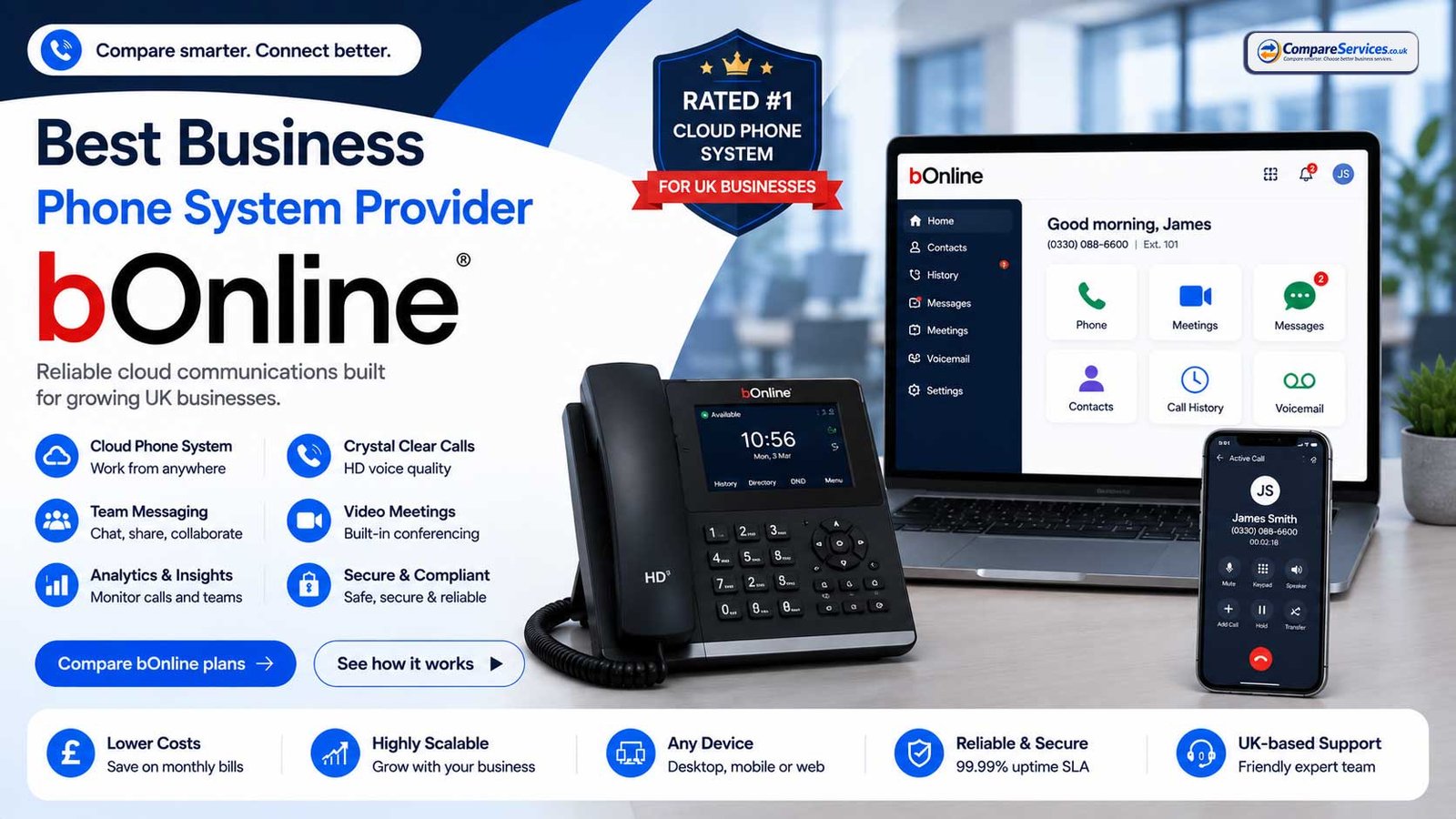
Best for: sole traders, startups and micro businesses that want a low-cost UK business phone system with fast setup.
bOnline publishes clear UK pricing, including a low-cost Starter plan and an Unlimited Calling plan. It is particularly relevant for smaller teams that need a business number, call handling, mobile/desktop app access and a quick move away from traditional lines.
Strengths:
- Low entry price compared with many UCaaS platforms
- UK small-business focus
- Useful for 1–10 user teams
- Published plan details are easier to review than quote-only providers
Watch-outs:
- Advanced analytics, integrations or complex routing may require a more capable platform
- Promotional pricing and renewal pricing should be checked
- Add-on costs should be reviewed before comparing against higher-priced providers
8×8 — Strong for International and Mixed Communications Needs
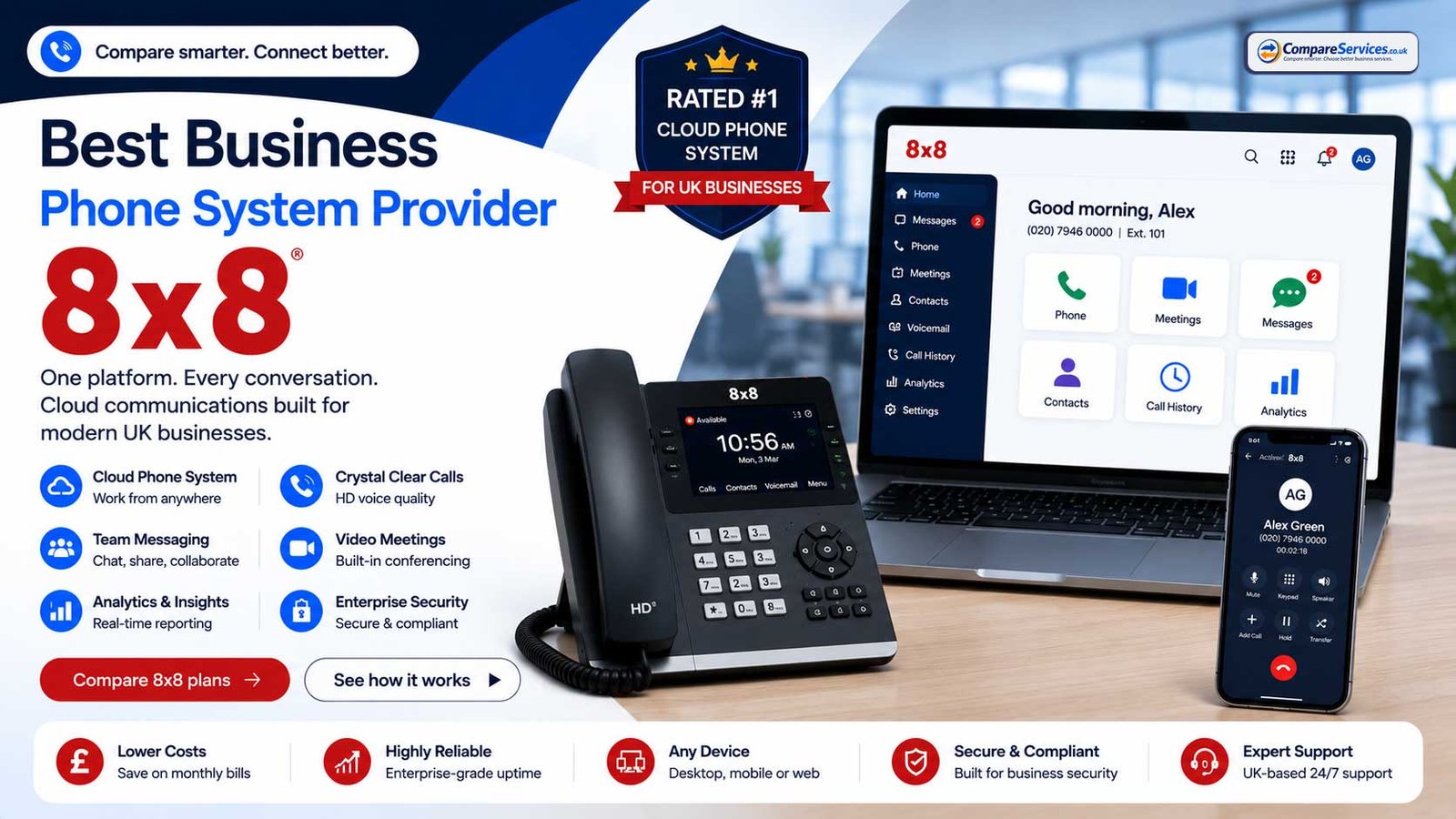
Best for: businesses with international calling needs, multiple locations or more advanced communications requirements.
8×8 offers business phone, unified communications and contact centre products. Its pricing is typically handled through sales engagement or custom packaging, so buyers should request a full quote that includes licences, call bundles, add-ons, support and implementation.
Strengths:
- Good fit for internationally active teams
- Business phone and broader communications portfolio
- Useful for organisations needing more than basic calling
- Can support complex communications environments
Watch-outs:
- Pricing may be less transparent than published per-user plans
- Fair use and destination rules should be checked
- Contact centre requirements should be compared on the dedicated contact centre page
Vonage Business Communications — Strong for APIs and Flexible Communications
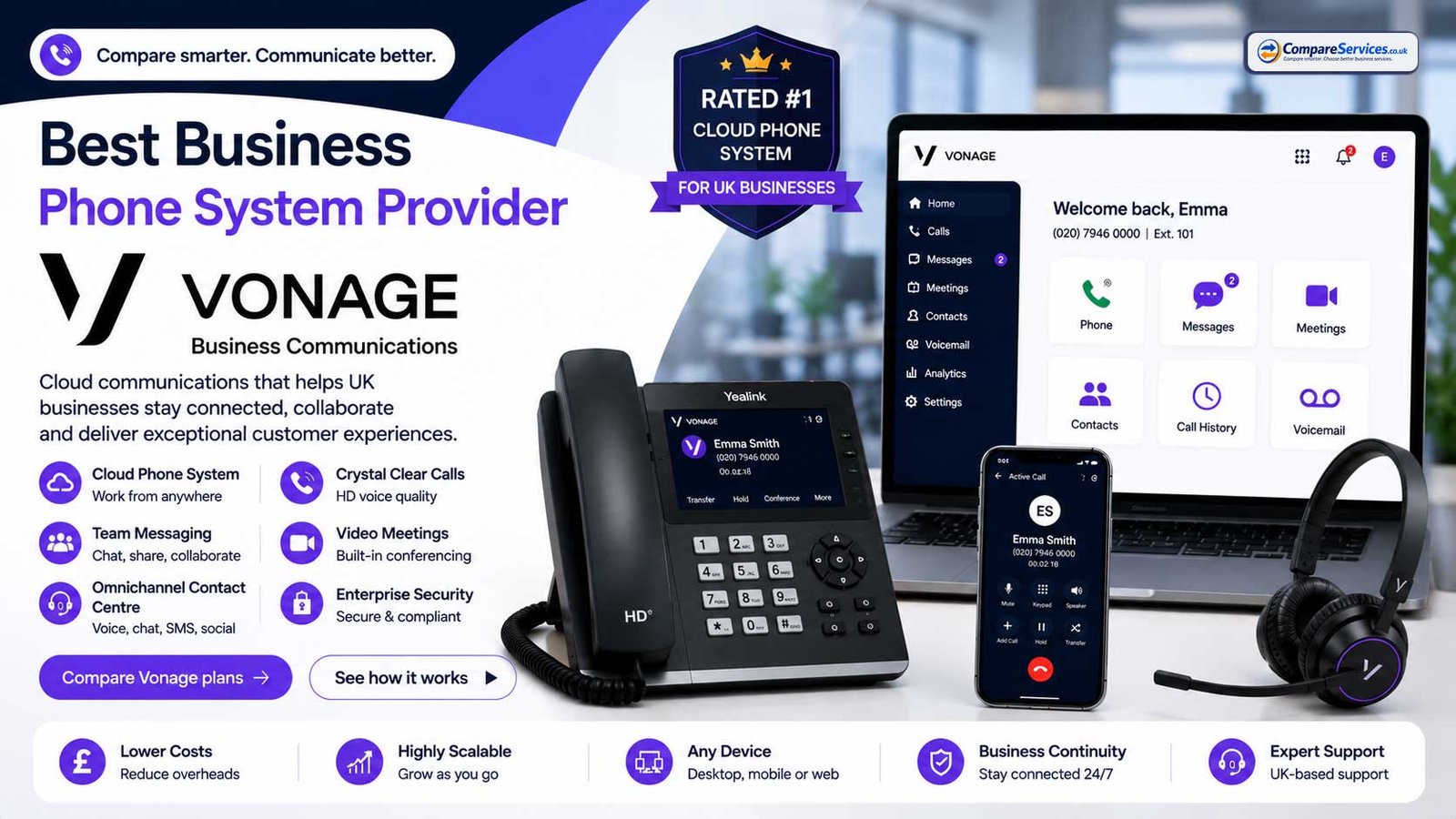
Best for: businesses wanting cloud calling with API capability, integrations or more custom communications workflows.
Vonage is relevant where a company needs more than ordinary call handling and may want to connect voice, messaging or workflow logic with software systems.
Strengths:
- Unified communications and API portfolio
- Useful integrations and customisation options
- Good fit for businesses with development or CRM workflow needs
- Cloud-based business phone system option
Watch-outs:
- Add-ons and usage-based features can affect the real cost
- API and UC pricing should not be mixed up when comparing quotes
- Businesses should confirm UK plan details, support and contract terms
Dialpad — Strong for AI-Assisted Calling Features
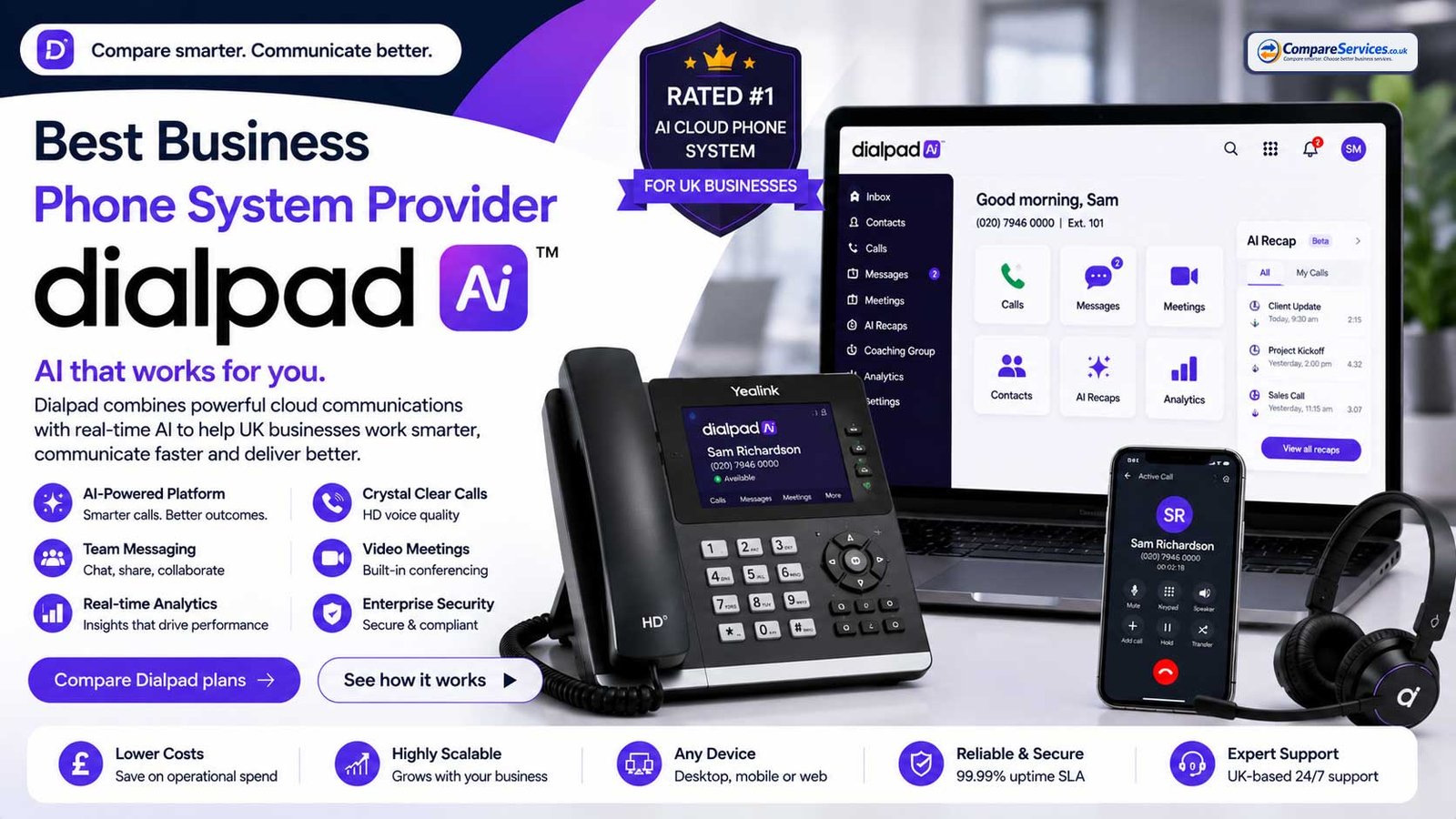
Best for: teams that value AI call transcription, summaries, analytics and modern app-based communications.
Dialpad is a strong option for businesses that want phone calls to create usable call intelligence rather than only call records. It can be relevant for sales, account management and service teams where transcription and summaries reduce admin work.
Strengths:
- AI-forward communications positioning
- Modern app experience
- Useful for call summaries and team coaching
- Good fit for remote and hybrid teams
Watch-outs:
- Some integrations and support features may depend on plan tier
- Businesses should confirm UK-specific pricing and feature availability
- Call recording, AI and compliance requirements should be checked before rollout
3CX — Strong for Self-Managed or IT-Led Phone Systems
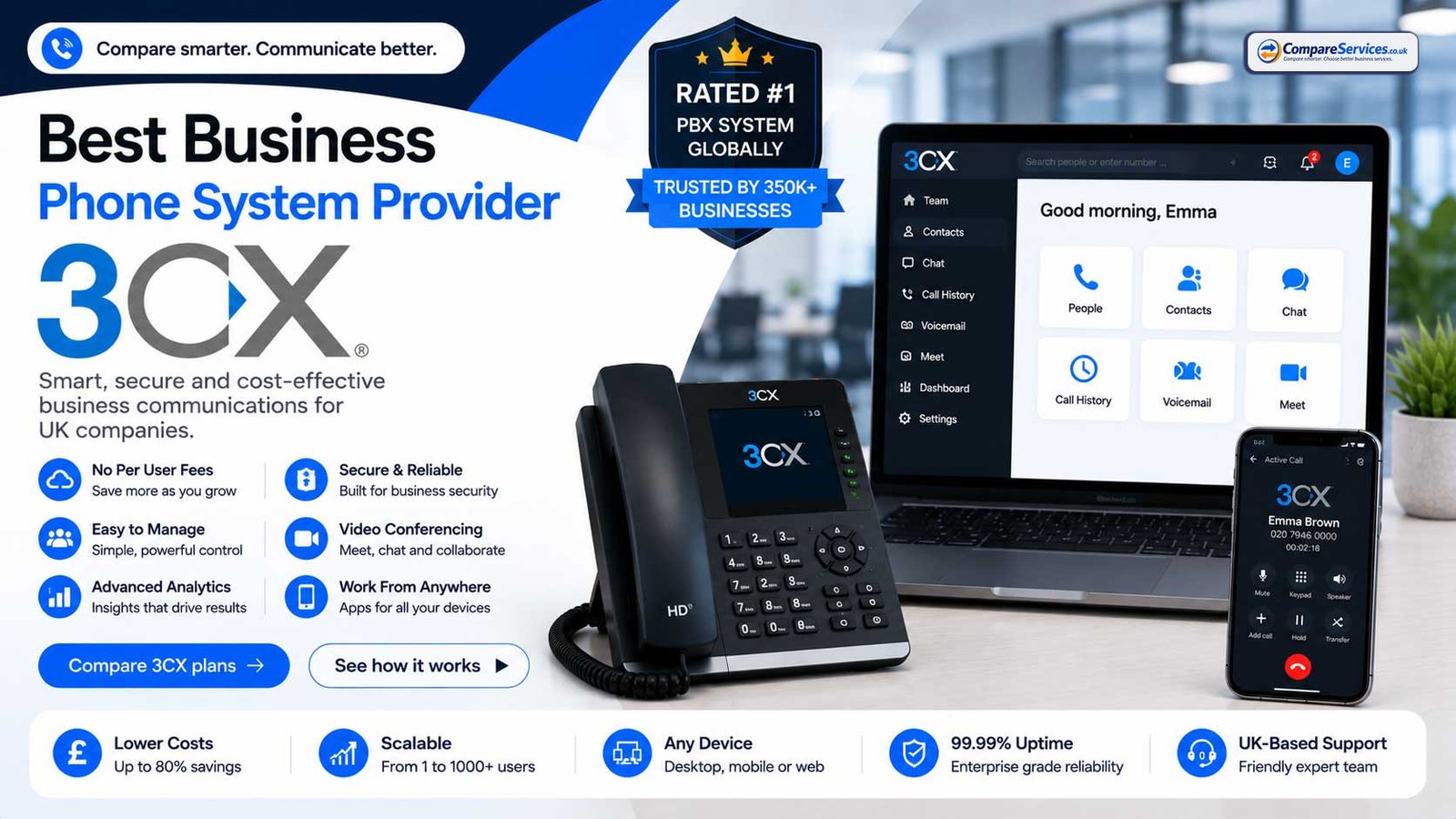
Best for: IT-led businesses, technically confident teams and companies that want more control over deployment.
3CX is different from fully managed hosted phone systems because it can be deployed in a more self-managed model. It also offers a free small-business option for up to 10 users, with SIP trunk costs and provider setup handled separately.
Strengths:
- Free option for small teams
- Flexible deployment model
- Good control for IT-managed organisations
- Can be paired with SIP trunk providers
Watch-outs:
- Requires more technical responsibility than managed cloud VoIP
- SIP trunk, security, backup and maintenance decisions still matter
- Not the simplest option for non-technical buyers
BT Cloud Voice / Digital Voice for Business — Strong for BT-Aligned UK Businesses
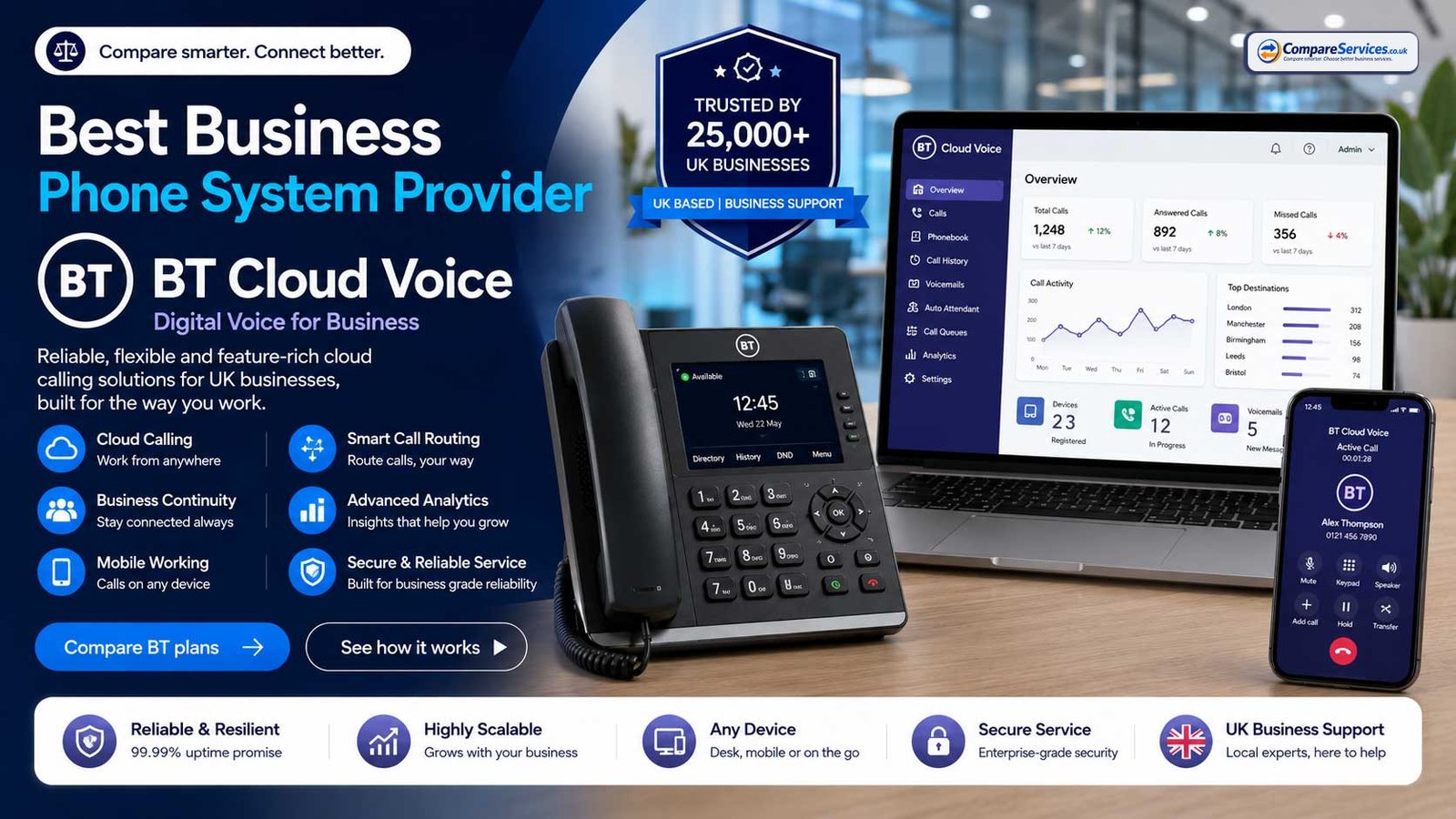
Best for: UK businesses that want a familiar telecoms brand, bundled connectivity and phone services, or supplier consolidation.
BT offers several digital voice and cloud voice options for business customers. This can suit companies already using BT connectivity or those that prefer a single well-known supplier for migration away from traditional lines.
Strengths:
- Strong UK brand recognition
- Cloud voice options for small and growing businesses
- Clear PSTN migration positioning
- Potential convenience when bundled with BT services
Watch-outs:
- Bundled supplier convenience is not always the lowest-cost route
- Buyers should compare feature depth against specialist VoIP and UCaaS providers
- Contract length, support route and equipment terms should be checked carefully
Provider Comparison at a Glance
| Provider | Best fit | Pricing visibility | Key strength | Main watch-out |
|---|---|---|---|---|
| RingCentral | SMEs and larger teams | Published plans | Mature UCaaS and integrations | Higher tiers/add-ons may be needed |
| GoTo Connect | SMEs needing call flows | Published/quote mix | Cloud calling and routing | Confirm UK plan details |
| bOnline | Sole traders and micro businesses | Published UK pricing | Low-cost UK VoIP entry | Less suitable for complex needs |
| 8×8 | International and multi-site teams | Quote/custom | Global communications portfolio | Check fair use and quote detail |
| Vonage | API and workflow-led teams | Published/quote mix | APIs and flexible communications | Add-ons can affect cost |
| Dialpad | AI-focused sales/service teams | Published UK pricing | AI calling features | Plan-tier limits matter |
| 3CX | IT-led/self-managed firms | Published/free option | Control and flexible deployment | Needs technical ownership |
| BT Cloud Voice | BT-aligned UK businesses | Quote/bundle-led | UK migration support and brand trust | Compare features and contract terms |
Key Features to Compare
Do not compare business phone systems on monthly user price alone. The best-value system is the one that matches your call flow, staff working pattern, compliance needs and growth plan.
Auto-Attendant
An auto-attendant is a virtual receptionist that greets callers and routes them to departments or users. For example: “Press 1 for sales, 2 for accounts, 3 for support.”
Check:
- Is it included on the plan?
- Can you create multiple menus?
- Can you set working hours and holiday rules?
- Can non-technical admins update greetings?
IVR Menus
IVR is a more structured version of call routing that can use multi-level options. It is useful for larger call flows, but it should not be confused with a specialist contact centre platform.
Check:
- How many menu levels are supported?
- Can calls route by department, user, time or location?
- Are recordings and announcements included?
- Does setup require provider support?
Call Queues and Ring Groups
Call queues hold callers until someone is available. Ring groups call multiple users or departments based on defined rules.
Check:
- Are queues included or charged separately?
- Can you set overflow rules?
- Can calls fail over to mobile or voicemail?
- Can supervisors see waiting calls?
Business Number Porting
Most businesses want to keep existing 01, 02, 03 or 08 numbers. Number porting is usually possible, but timing and documentation matter.
Check:
- Which numbers are currently active?
- Who owns the numbers contractually?
- Are there hidden charges to port away later?
- Will temporary forwarding be used during migration?
Mobile and Desktop Apps
Softphone apps allow staff to make and receive calls from laptops and mobiles using the business number.
Check:
- Does the app work reliably on Windows, macOS, iOS and Android?
- Can staff transfer, hold and record calls from the app?
- Does caller ID work correctly?
- Can users separate business and personal calling?
Call Recording
Call recording can support quality, dispute resolution, training and compliance. However, it must be used with appropriate policies and retention controls.
Check:
- Is recording included or an add-on?
- Is storage included?
- Can recordings be searched?
- Can retention rules be configured?
- Are users and callers notified correctly?
Analytics and Reporting
Basic reporting may show call volume and missed calls. Advanced reporting may include queue performance, team activity, call outcomes and AI summaries.
Check:
- What dashboards are included?
- Can reports be exported?
- Can managers see team performance?
- Are analytics real-time or delayed?
- Are AI summaries included or chargeable?
CRM and Helpdesk Integrations
Integrations connect call activity with systems such as CRM, helpdesk, sales tools or customer records.
Check:
- Which integrations are native?
- Are integrations included in the selected plan?
- Can calls be logged against contacts?
- Can call recordings or summaries be attached?
- Is click-to-call supported?
Admin Controls and User Management
A phone system should be manageable without supplier tickets for every small change.
Check:
- Can admins add/remove users?
- Can departments and call groups be changed easily?
- Can roles and permissions be controlled?
- Can phone numbers and devices be assigned quickly?
Resilience and Failover
Phone service is business-critical for many companies. Failover helps calls continue if a site connection or device fails.
Check:
- Can calls route to mobiles during outages?
- Is there a backup app route?
- Can sites have separate failover rules?
- What uptime SLA is offered?
- What happens during power cuts?
Voicemail to Email
Voicemail to email sends voice messages to a user or shared mailbox so missed enquiries are not trapped on a single handset. It is especially useful for small teams, reception desks and departments where more than one person may need to respond.
Check:
- Can voicemail messages be delivered to shared mailboxes?
- Are audio files attached or linked?
- Can voicemail be disabled for departments that should always queue calls?
- Are missed-call alerts included?
Direct Dial Numbers (DDIs)
Direct dial numbers give individual users, departments or branches their own phone number while still keeping the wider business phone system centrally managed.
Check:
- Are DDIs included or charged separately?
- Can numbers be assigned and reassigned quickly?
- Can each department present the right outbound caller ID?
- Can unused numbers be removed without penalty?
Hunt Groups and Department Routing
Hunt groups, sometimes called ring groups, route calls across a team in a set order or pattern. They are useful for reception, sales, accounts and support teams that need shared call ownership.
Check:
- Can calls ring all users at once or in sequence?
- Can unavailable users be skipped automatically?
- Can overflow rules route to another team?
- Can call ownership be reported by department?
Teams Phone and SIP Readiness
Some businesses need a simple cloud phone system. Others need Microsoft Teams calling, SIP trunking or a hybrid route because of existing licences, PBX hardware or governance requirements.
Check:
- Does the provider support the route you actually need?
- Can the system work with your current Microsoft, CRM or PBX setup?
- Are SIP, Teams and hosted-user costs separated clearly?
- Is the migration plan simple enough for your team to manage?
How Much Does a Business Phone System Cost in the UK?
Business phone system pricing varies because providers package users, minutes, numbers, devices, support and features differently. A low headline user price may not include everything needed in the first year.
Typical Monthly Costs
| System type | Typical UK pricing pattern |
|---|---|
| Basic hosted VoIP | Around £7–£15 per user/month |
| Hosted PBX | Around £10–£30 per user/month |
| UCaaS platform | Around £15–£40+ per user/month |
| Teams Phone route | Microsoft licence + calling plan, Operator Connect or Direct Routing costs |
| SIP trunking | Per channel/trunk/number plus PBX support |
| Self-managed IP PBX | Software/licence + hosting + SIP + support |
| Enterprise/hybrid | Custom quote |
Common One-Off Costs
- Number porting
- Desk phones or conference devices
- Headsets
- Router or network changes
- Setup and onboarding
- Call flow configuration
- Training
- Legacy line termination
- Specialist migration for lifts, alarms, fax or payment terminals
Hidden Cost Checks
Before signing, ask each provider for a full quote that separates:
- User licences
- Call bundles
- Number rental
- Porting charges
- Setup fees
- Hardware purchase or rental
- Call recording costs
- Storage costs
- AI or analytics add-ons
- CRM integration fees
- Support tier
- Contract length
- Renewal terms
- Early termination charges
- Price increase clauses
- International, premium and non-geographic call charges
A provider with a higher monthly user price can still be better value if it includes the features your team genuinely needs.
Business Phone Systems by Company Size
Sole Traders and 1–3 User Businesses
A simple cloud VoIP system or virtual business number is usually enough. The priorities are affordability, quick setup, mobile app quality and keeping business calls separate from personal calls.
Look for:
- UK business number
- Mobile app
- Voicemail to email
- Simple call forwarding
- Transparent monthly price
- No unnecessary long contract
Small Businesses with 4–20 Users
Most small businesses need better call handling. Reception routing, ring groups and team visibility become more important.
Look for:
- Auto-attendant
- Ring groups
- Shared voicemail or department routing
- Call recording where needed
- Admin portal
- Number porting support
- Basic reporting
Growing SMEs with 20–100 Users
At this stage, call management becomes more operational. The system should support departments, multiple locations, hybrid workers and integrations.
Look for:
- Department queues
- Analytics dashboards
- CRM integration
- Role-based administration
- Scalable licences
- Site-level failover
- Strong support SLA
Larger or Regulated Organisations
Larger teams need procurement governance, security, auditability, resilience and clearer implementation control.
Look for:
- SLA and support commitments
- Security documentation
- Data retention controls
- Compliance-friendly recording
- Dedicated implementation support
- Number estate audit
- Disaster recovery planning
- Procurement-ready contract terms
Cloud Phone System vs On-Premise PBX
Most UK SMEs are better suited to cloud phone systems because they are easier to deploy, easier to scale and better aligned with remote working. On-premise IP PBX still has a place where technical control, existing investment or regulatory requirements justify the management overhead.
| Factor | Cloud phone system | On-premise IP PBX |
|---|---|---|
| Setup | Faster | Slower |
| Upfront cost | Lower | Higher |
| Ongoing management | Provider-led | Internal/partner-led |
| Scaling | Add users quickly | May need licences/hardware |
| Remote working | Strong | Depends on design |
| Control | Lower | Higher |
| Maintenance | Provider responsibility | Business responsibility |
| Best fit | Most SMEs | IT-led or specialist environments |
Rule of thumb: if you want simplicity, choose cloud. If you need control and have technical capability, consider self-managed or hybrid.
VoIP vs Hosted PBX vs UCaaS
These terms are often used together, but they are not identical.
VoIP is the underlying technology that carries voice over internet protocol. Many modern phone systems use VoIP.
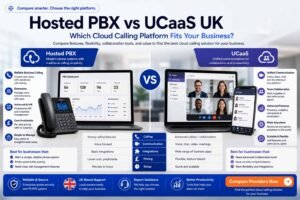
Hosted PBX is a cloud-managed phone system that recreates the structure of traditional office telephony: extensions, groups, menus and receptionist features.
UCaaS is a wider communications platform that combines business phone calls with video meetings, team messaging, presence, file sharing and collaboration.
| Term | What it means | Best for |
|---|---|---|
| VoIP | Calls delivered over internet protocol | Businesses replacing landlines |
| Hosted PBX | Cloud-hosted office phone system | Office call routing and reception teams |
| UCaaS | Voice + video + messaging + collaboration | Hybrid teams and growing SMEs |
For most buyers, the important question is not which acronym is “best”. The important question is which model matches how your staff actually communicate.
Microsoft Teams Phone: When It Makes Sense
Microsoft Teams Phone can be a strong choice when your business already uses Teams heavily. It allows employees to make and receive external calls from the Teams environment, subject to the licensing and calling route you choose.
It may make sense if:
- Most staff already work in Microsoft Teams
- You want one interface for internal meetings and external calls
- Microsoft 365 administration is already centralised
- You have IT support or a telecoms partner to manage setup
- You want Operator Connect or Direct Routing for provider flexibility
It may not be the simplest route if:
- You only need a low-cost business number and mobile app
- Your call flows are simple and do not need Teams integration
- You need advanced call centre functions
- You do not have internal Microsoft administration support
How to Choose a Business Phone System
Use this checklist before comparing quotes.
Step 1 — Audit Your Current Phone Estate
List:
- Existing phone numbers
- Number ranges and DDIs
- Current provider
- Contract end date
- Current monthly cost
- Handsets and devices
- PBX model if you have one
- PSTN-dependent equipment
- Site locations
- Users and departments
- Peak concurrent call volume
Step 2 — Define Your Real Call Flow
Map what should happen when customers call.
Ask:
- Who answers main calls?
- Which departments need separate routing?
- What happens out of hours?
- What happens when everyone is busy?
- Which calls need recording?
- Which users need direct dial numbers?
- Which staff work remotely?
Step 3 — Separate Must-Have and Nice-to-Have Features
Must-have features should drive the comparison. Nice-to-have features should not push you into an expensive tier unless they have a clear business case.
Common must-haves:
- Number porting
- Auto-attendant
- Mobile app
- Voicemail to email
- Call forwarding
- Ring groups
- Call recording
- Admin portal
- Failover
Common nice-to-haves:
- AI summaries
- Advanced analytics
- Deep CRM integration
- Video meetings
- Team messaging
- International number estate
- Custom workflows
Step 4 — Compare Total First-Year Cost
Do not compare only the monthly user price. Compare:
- Monthly licence cost
- Setup cost
- Hardware cost
- Number costs
- Call charges
- Feature add-ons
- Support costs
- Contract length
- Exit terms
Step 5 — Check PSTN Migration Risk
Before switching, confirm:
- Which services still use analogue lines
- Which numbers need porting
- Whether your alarm, lift, payment, fax or door-entry suppliers need to be involved
- Whether any line must stay active during migration
- How emergency calling and power resilience will be handled
Step 6 — Test Before Full Rollout
Where possible, pilot the system with a small team.
Test:
- Inbound call routing
- Outbound caller ID
- Mobile app quality
- Desk phone quality
- Call transfer
- Voicemail notifications
- Call recording
- Reporting
- Support response
- Failover behaviour
How CompareServices Ranks Business Phone System Providers
CompareServices evaluates business phone system providers using a practical buyer-focused scoring model, explained in more detail in our provider ranking methodology.
Core criteria include:
- UK availability and suitability — whether the provider can serve UK SMEs reliably.
- Pricing clarity — whether costs, add-ons and contract terms are easy to understand.
- Feature depth — call routing, recording, admin, analytics, app support and integrations.
- PSTN readiness — ability to support migration away from legacy phone services.
- Implementation support — onboarding, number porting and configuration assistance.
- Reliability and resilience — uptime claims, failover features and support processes.
- Contract fairness — renewal terms, cancellation clauses and price increase transparency.
- Scalability — suitability as the business adds users, sites or more complex workflows.
- Support quality — access to help when issues affect business calling.
- Commercial fit — whether the provider is suited to the specific business size and use case.
The full ranking method is based on transparent buyer-focused criteria, not a single headline price.
Buyer Checklist: Questions to Ask Providers
Use these questions before requesting quotes or signing a contract.
- What is included in the monthly user price?
- Is VAT included or excluded?
- What is the contract length?
- What happens at renewal?
- Are there annual price increases?
- Are call recording and storage included?
- Are auto-attendant, IVR, call queues and ring groups included?
- Are mobile and desktop apps included for every user?
- How much does number porting cost?
- How long does number porting usually take?
- Can we keep all existing numbers?
- Are there charges to port numbers away later?
- Are desk phones required or optional?
- Which handsets are supported?
- Is training included?
- What support is available during migration?
- What is the uptime SLA?
- What failover options are included?
- How are emergency calls handled?
- Which integrations are included?
- Can we reduce users during the contract?
- What are the cancellation terms?
- Are international, premium and non-geographic calls excluded from bundles?
Network Readiness for Cloud Phone Systems
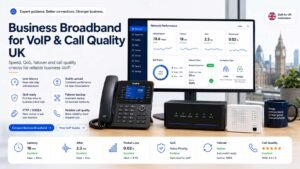
Cloud VoIP, hosted PBX and UCaaS platforms rely on a stable data connection and a well-configured local network. This does not mean every business needs a specialist connectivity project, but it does mean call quality should be tested before migration.
Minimum planning checks:
- Allow roughly 1 Mbps upload capacity per concurrent voice call as a simple planning baseline.
- Keep latency low enough for natural two-way conversation; lower latency normally means better call quality.
- Watch for jitter and packet loss, because these can create robotic audio, dropped words or failed transfers.
- Check Wi-Fi coverage if staff will use softphones on laptops or mobiles.
- Prioritise voice traffic on larger sites where many users call at the same time.
- Plan a mobile or alternative-routing fallback for sites where calls are business-critical.
Important: a phone-system quote should not be approved until the provider confirms whether your current network, devices and call volume are suitable for the proposed setup.
Frequently Asked Questions
What is the best business phone system for small businesses in the UK?
For most small UK businesses, a cloud VoIP or hosted PBX system is the best starting point. It is usually quicker to deploy than on-premise hardware, supports mobile and desktop apps, and helps prepare for the PSTN switch-off. Low-cost providers can suit micro businesses, while growing SMEs may need stronger call routing, reporting and integrations.
How much does a business phone system cost in the UK?
Basic hosted VoIP can start from around £7–£15 per user per month, while more advanced hosted PBX and UCaaS platforms often cost around £15–£40+ per user per month. The real cost depends on user count, call bundles, numbers, devices, call recording, integrations, setup fees, contract length and support level.
Will my existing business number work with a new phone system?
In most cases, yes. UK business numbers can usually be ported to a new provider, but you should confirm which numbers are active, who controls them, how long porting takes, and whether there are charges to port in or port away. Do not cancel the old service before the port is complete.
What is the PSTN switch-off?
The PSTN switch-off is the retirement of the UK’s old analogue phone network and related legacy services. Businesses using traditional landlines, ISDN or PSTN-connected devices need to move to digital alternatives before the switch-off deadline. Openreach and UK government guidance point to January 2027 as the key deadline.
Is VoIP the same as a business phone system?
Not exactly. VoIP is the technology used to carry calls over internet protocol. A business phone system is the wider service that manages numbers, users, call routing, voicemail, analytics, recording and administration. Many modern business phone systems use VoIP underneath.
Do I need desk phones?
Not always. Many businesses now use softphone apps on laptops and mobiles. Desk phones are still useful for reception desks, shared offices, warehouses, meeting rooms and staff who prefer physical handsets. Check whether handsets are optional, rented, purchased or bundled.
Can a cloud phone system work during an internet outage?
It depends on the provider and configuration. Many cloud systems can route calls to mobiles or alternative numbers if a site connection fails. For businesses where calls are critical, plan a separate resilience route such as mobile failover, site-level failover rules or a backup connectivity option.
Is Microsoft Teams Phone better than a normal VoIP system?
Microsoft Teams Phone can be better if your business already uses Teams heavily and wants calls inside that environment. A standalone VoIP or hosted PBX system may be simpler and more cost-effective for businesses that only need reliable calling, basic routing and mobile app access.
What is the difference between hosted PBX and UCaaS?
Hosted PBX focuses on business calling features such as extensions, ring groups, call routing and voicemail. UCaaS includes those voice features but also adds video meetings, team messaging, presence, collaboration and sometimes AI. Hosted PBX is often enough for office telephony; UCaaS is better for wider communication and collaboration.
How long does migration take?
A basic cloud phone setup can often be configured quickly, but number porting, call-flow design, hardware delivery, training and PSTN device checks can extend the timeline. Small businesses may complete a straightforward migration in days, while multi-site or more complex migrations should be planned over several weeks.
Is VoIP call quality as good as a traditional phone line?
Yes, it can be as good as or better than a traditional line when the internet connection, router, Wi-Fi and local network are suitable. Poor call quality usually comes from weak connectivity, packet loss, overloaded Wi-Fi or poor configuration rather than from VoIP itself.
What happens to fax machines, alarms and lift lines?
Do not assume they will move automatically with the office phone system. Fax machines, alarms, lift emergency phones, door-entry systems and payment terminals should be audited separately. The relevant equipment supplier may need to confirm a digital replacement, adapter, mobile route or specialist migration plan.
What equipment do I need for a VoIP phone system?
Most cloud VoIP systems can work with a laptop, mobile app, headset and stable internet connection. Desk phones are optional for many teams, but reception desks, shared offices, warehouses and meeting rooms may still need IP handsets. Check handset compatibility, headset support, router quality, Wi-Fi coverage and failover before rollout.
Can I use business phone systems across multiple sites?
Yes. Cloud systems are usually well suited to multi-site businesses because users and numbers can be managed centrally. Larger or more complex estates should still check site-level failover, number ownership, reporting, emergency calling and local network readiness.
Get Free Quotes from UK Business Phone System Providers
CompareServices helps UK businesses compare business phone system providers without relying on a single supplier recommendation.
Tell us your team size, current setup and key requirements. We can help you compare relevant options across cloud VoIP, hosted PBX, UCaaS, Teams Phone, SIP-ready and hybrid routes.
What you can compare:
- Provider suitability by business size
- Monthly user pricing
- Setup and migration costs
- Number porting support
- Call routing and recording features
- PSTN migration readiness
- Contract terms and add-ons
Start comparing business phone system options now.
Find The Right Business Phone System With Less Effort
Compare cloud VoIP, hosted PBX, UCaaS, Teams Phone, SIP-ready and hybrid options using a structured buyer checklist rather than relying on a single supplier recommendation.