
Compare VoIP Phone Systems Providers UK (2026)
Hosted Calling, Number Porting, Call Routing And Support Ownership
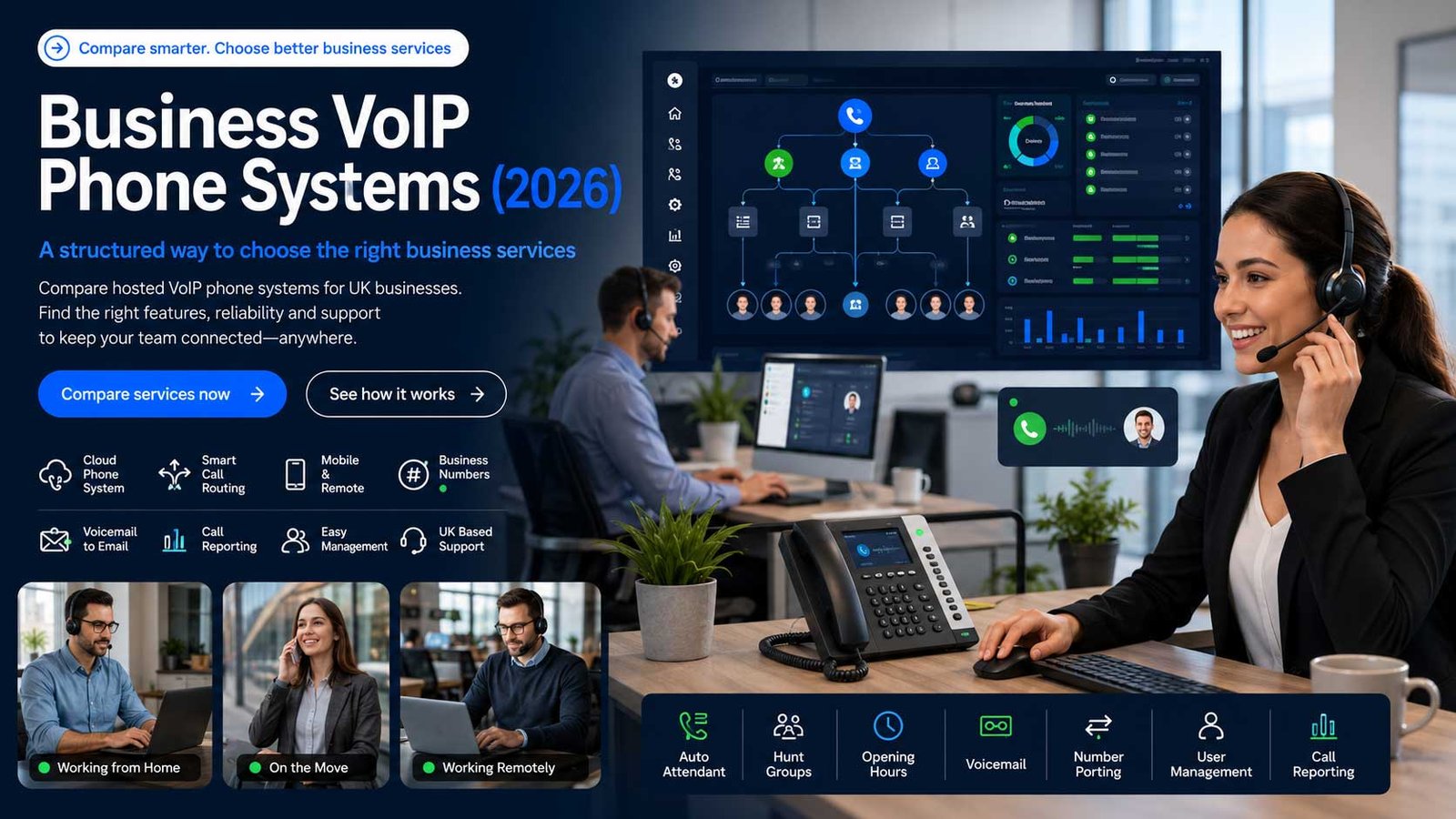
VoIP phone systems help UK businesses modernise calling, route enquiries, support hybrid teams, keep existing numbers and control monthly user licences. CompareServices helps buyers assess call features, porting, devices, emergency calling, compliance, integrations and support ownership before requesting quotes from suitable hosted phone system providers, with clearer risk checks today.
Why VoIP Phone Systems Matter For UK Businesses
A VoIP phone system moves business calling into a hosted digital platform. The practical buying decision is not only about call price. It is about how calls are answered, routed, recorded where appropriate, transferred, reported and supported across office, hybrid and mobile users.
- Keep business numbers active across desk phones, softphones and mobile apps
- Improve call routing, voicemail, hunt groups and admin control
- Prepare for legacy line withdrawal without rushing into the wrong platform
- Review compliance, emergency calling and support ownership before signing
What To Check Before Choosing Hosted VoIP
A suitable hosted VoIP service should support your everyday calling requirements, including user licences, device choices, call handling, number porting, emergency location records, administration, integrations, onboarding and ongoing support.
Keep this decision focused on hosted user licences and business calling. Businesses that need connectivity, SIP trunks for an existing PBX, a broader UCaaS suite or a high-volume contact-centre platform should compare those services separately.
The most useful test is operational calling fit: can the provider handle your real call flows, users, numbers, opening hours, remote working pattern and support expectations without creating migration disruption?
Compare VoIP Phone System Providers By Business Fit
The strongest provider depends on the type of calling your business handles, the number of users, the admin control you need and how much migration support you expect.
| Provider Type | Best Fit | Strengths To Compare | Risk Checks Before Shortlisting |
|---|---|---|---|
| Large telecoms providers | Businesses wanting recognised supplier scale, bundled account management and established support routes | Hosted voice platforms, existing number transfer, desk-phone options, managed onboarding and wider telecoms support | Check admin portal flexibility, licence granularity, contract length, add-on charges and escalation ownership |
| Cloud communications platforms | Hybrid teams needing softphone apps, integrations, call analytics and fast user management | App-led calling, call recording options, analytics, CRM links, mobile/desktop use and scalable user licences | Check UK support hours, emergency address handling, call recording rules and cancellation terms |
| SME-focused VoIP providers | Small businesses wanting simple setup, predictable pricing and straightforward feature bundles | Ease of setup, inclusive features, clear monthly pricing, auto attendants, voicemail and call flows | Check porting times, support response quality, hardware supply, training and long-term upgrade options |
| Channel and managed service partners | Businesses needing implementation help, multi-site setup or wider IT/telecoms support | Discovery, call-flow design, user training, device rollout, changeover planning and aftercare | Check whether the partner owns support directly or passes complex issues back to the platform vendor |
| Microsoft-aligned voice routes | Businesses already standardised around Microsoft collaboration tools | Single workspace for calling and collaboration, policy control and Teams-based user experience | Check whether the requirement is basic hosted voice or a Teams-specific calling route, which should be reviewed separately |
What A VoIP Phone System Can Cost Beyond The User Licence
Monthly seat pricing is only one part of the commercial picture. The final cost can change once devices, call bundles, setup, porting, recording, integrations and support are included.
| Cost Area | What It Usually Covers | Why It Matters | Questions To Ask |
|---|---|---|---|
| User licences | Per-user or per-extension access to the hosted phone system | This is the recurring cost most buyers compare first, but feature access may vary by tier | Which features are included in the entry plan, and which require a higher licence level? |
| Call plans | Inclusive UK minutes, international rates or usage-based billing | Calling patterns affect total monthly cost, especially for sales, support and multi-site teams | Are UK calls included, and how are mobiles, international calls and premium numbers billed? |
| Numbers and porting | New numbers, existing number transfer and number management | Porting complexity can affect timescales and customer-facing disruption | Is porting included, how long does it usually take, and what happens if a port fails? |
| Devices and accessories | Desk phones, headsets, adapters or conference-room equipment | Some teams need physical hardware while others can operate through apps | Are devices rented, purchased, pre-configured or tied to a contract? |
| Setup and training | Call-flow design, onboarding, admin training and user guidance | Poor setup creates missed calls, confusion and avoidable support tickets | Is implementation included, and who signs off call routing before go-live? |
| Advanced features | Call recording, analytics, integrations, CRM connectors and API access | These features can drive value but may require higher tiers or add-ons | Which features are native, which are add-ons, and what data/export controls are included? |
Which VoIP Setup Fits Your Operating Model?
Different teams need different calling setups. The right system should match user behaviour, call volume, working patterns and operational ownership.
| Business Profile | Likely Requirement | Useful VoIP Features | Avoid This Mistake |
|---|---|---|---|
| Micro-business or solo operator | Professional number, mobile app, voicemail and simple call routing | Low-cost user licence, app-based calling, voicemail-to-email and business caller ID | Buying a complex platform that needs more admin than the business can manage |
| Small office team | Shared lines, desk phones, opening-hours routing and holiday messages | Auto attendant, hunt groups, ring groups, desk phones and simple admin portal | Choosing on price alone without testing how calls move between users |
| Hybrid or remote team | Consistent calling from office, mobile and laptop users | Softphone apps, presence, call transfer, call logs and secure user management | Ignoring user training and headset/device quality until after rollout |
| Sales-led business | Outbound calling visibility, call notes, recording controls and CRM alignment | Analytics, caller ID management, CRM integration and permission-based call recording | Turning on recording without a clear retention, consent and access policy |
| Multi-site business | Consistent call handling, central admin and local number presentation | Location-based routing, number groups, user roles and managed changeover planning | Migrating sites one by one without a central number and routing inventory |
Questions To Ask Before Requesting VoIP Quotes
The best quote request gives providers enough information to recommend the right licence mix, migration plan and support approach.
How Many Users Need Calling?
Separate full-time users, occasional users, shared phones, reception users, mobile workers and administrators. This prevents licence overbuying and helps providers design the right structure.
Which Numbers Must Be Kept?
List main numbers, direct dial numbers, advertised numbers, fax-style use cases, legacy numbers and any numbers tied to campaigns or departments before porting begins.
How Should Calls Flow?
Document opening hours, overflow rules, voicemail destinations, missed-call handling, departments, out-of-hours messages and holiday routing before comparing provider demos.
Who Owns Administration?
Decide whether your team will manage users and routing internally or whether you need a supplier that provides ongoing managed changes.
Which Features Are Mandatory?
Separate must-have features such as call recording, CRM links, mobile apps and analytics from nice-to-have features that should not dictate the entire shortlist.
What Is The Go-Live Risk?
Ask each supplier how they stage number porting, test devices, train users and handle emergency fallback if the changeover does not go as planned.
UK VoIP Providers Commonly Considered By SMEs
Compare each provider against your user count, required features, number-porting plan, support model and contract terms before requesting a final quote.
| Provider | Typical Positioning | Useful When | Compare Carefully |
|---|---|---|---|
| BT Business Cloud Voice | Established telecoms provider with hosted voice options for smaller and larger businesses | You want a familiar supplier, business account support and a managed transition route | Licence tiers, install support, router/device requirements and contract terms |
| RingCentral | Cloud communications platform with app-led calling, messaging, meetings and integrations | You want strong softphone use, broad integrations and scalable admin controls | Support model, feature tiering, recording options and user adoption planning |
| 8×8 | Business communications platform with calling, messaging, analytics and reliability positioning | You need a cloud platform with modern call features and reporting capability | Plan limits, support expectations, analytics depth and implementation support |
| bOnline | SME-focused VoIP provider positioned around simple setup and small-business usability | You want straightforward small-business calling with simple feature bundles | Porting handling, upgrade path, support response and hardware options |
| Gamma Horizon | Widely used UK hosted phone platform delivered directly or through partners | You want a proven hosted voice platform with reseller/partner support choices | Which partner owns support, admin portal control and feature package boundaries |
| Daisy Communications | Business voice supplier with hosted voice and broader telecoms support | You need a managed provider that can support single-site or multi-site voice estates | Service ownership, quote transparency, porting plan and post-go-live support |
| Wavenet | Managed voice and communications provider working across phone system options | You need advice across current systems, migration and future voice strategy | Whether the proposal is hosted VoIP, SIP, hybrid or wider communications scope |
| Vonage Business Communications | Cloud business phone platform with desktop/mobile apps and integrations | You want a software-led system with business number calling across devices | UK support routes, plan structure, integration fit and compliance controls |
How To Compare VoIP Provider Proposals
Compare every proposal against the same operational requirements. A low monthly price can become poor value if the system creates missed calls, weak routing, difficult administration, porting disruption or unclear support responsibility.
Check setup scope, call-flow flexibility, user management, porting support, feature inclusions, emergency-calling arrangements, device options, reporting, integrations, contract terms and post-launch support.
Ask providers to confirm these details in writing so licence bundles, implementation work and support boundaries can be compared on a like-for-like basis.
What A Strong Proposal Should Confirm
A suitable proposal should explain how the service will support your users, numbers, call flows, emergency-calling requirements and go-live plan.
- Hosted user licences and any shared or occasional-user options
- Number porting responsibilities, timings and fallback arrangements
- Call routing, admin portal, devices, apps and integration scope
- Training, testing, support escalation and contract exit arrangements
Use This Sequence Before Signing A VoIP Contract
A structured buying process reduces porting errors, overbuying and user confusion.
- Create a number inventory, including main numbers, direct dials, advertised numbers and any old numbers still receiving calls.
- Map your call flows for working hours, out-of-hours, holidays, overflow, voicemail and missed-call handling.
- Confirm the user list and separate full users, shared devices, reception users, mobile users and administrators.
- Decide whether users need desk phones, headsets, browser apps, desktop apps, mobile apps or a mixture.
- Check emergency address handling and ensure provider records match where users actually work.
- Review call recording, analytics and CRM integration only after defining the operational need and governance policy.
- Ask for a porting plan, test plan, training plan and named post-go-live support route before approving the order.
Frequently Asked Questions
Quick answers for UK businesses comparing VoIP phone systems, hosted voice providers and number migration options.
What Is A VoIP Phone System For Business?
A VoIP phone system is a hosted digital calling platform that lets businesses make, receive, route and manage calls using desk phones, apps or softphones. It replaces legacy line-based calling with a more flexible administrative model.
How Much Do VoIP Phone Systems Cost In The UK?
Costs vary by provider, user count, features, devices, call plans, setup, porting and support. A small business may pay per user each month, while more complex teams may need add-ons for recording, analytics, integrations or managed onboarding.
Can A Business Keep Existing Phone Numbers When Moving To VoIP?
In many cases, yes. Existing numbers can usually be transferred to the new provider, but the porting process should be planned carefully. Businesses should create a number inventory and confirm timescales, responsibilities and fallback options before go-live.
Do VoIP Phone Systems Support 999 Calls?
Business VoIP providers should explain how emergency calling works, how caller location records are maintained and what users must do when working away from the registered site. This should be checked before rollout, especially for hybrid teams.
Is VoIP Better Than A Traditional Office Phone System?
VoIP is usually more flexible for modern businesses because it supports admin portals, apps, remote users, routing rules and scalable licences. The better choice still depends on call flows, user behaviour, reliability requirements, compliance controls and support needs.
Which VoIP Provider Is Best For Small Businesses?
There is no single best provider for every SME. A small team may prioritise simple setup and predictable pricing, while a growing business may need reporting, integrations, managed migration and stronger support ownership.
Provider Information And Verification Resources
Use the official guidance and provider pages below to verify current features, emergency-calling arrangements, number-porting processes, contract terms and support options. Request written confirmation before ordering because services and commercial terms can change.
- GOV.UK guidance on the UK transition from analogue to digital landlines
- GOV.UK Telecommunications Modernisation collection
- BT Business Cloud Voice product information
- RingCentral UK business VoIP information
- 8×8 UK small business VoIP information
- bOnline VoIP phone systems information
- Gamma Horizon cloud phone system information
- Daisy Communications VoIP phone system information
- Wavenet business phone systems information
- Vonage business phone systems information