
Compare Full Fibre Broadband (FTTP) Providers UK
Compare FTTP by availability, installation fit, upload needs, support and contract quality
Full fibre broadband (FTTP) gives UK businesses a direct fibre connection into the premises, improving speed consistency, cloud performance, video calls, uploads and multi-device reliability. CompareServices helps you assess availability, installation route, upload needs, router quality, support response, backup options, static IPs, contract terms and provider fit before switching confidently.
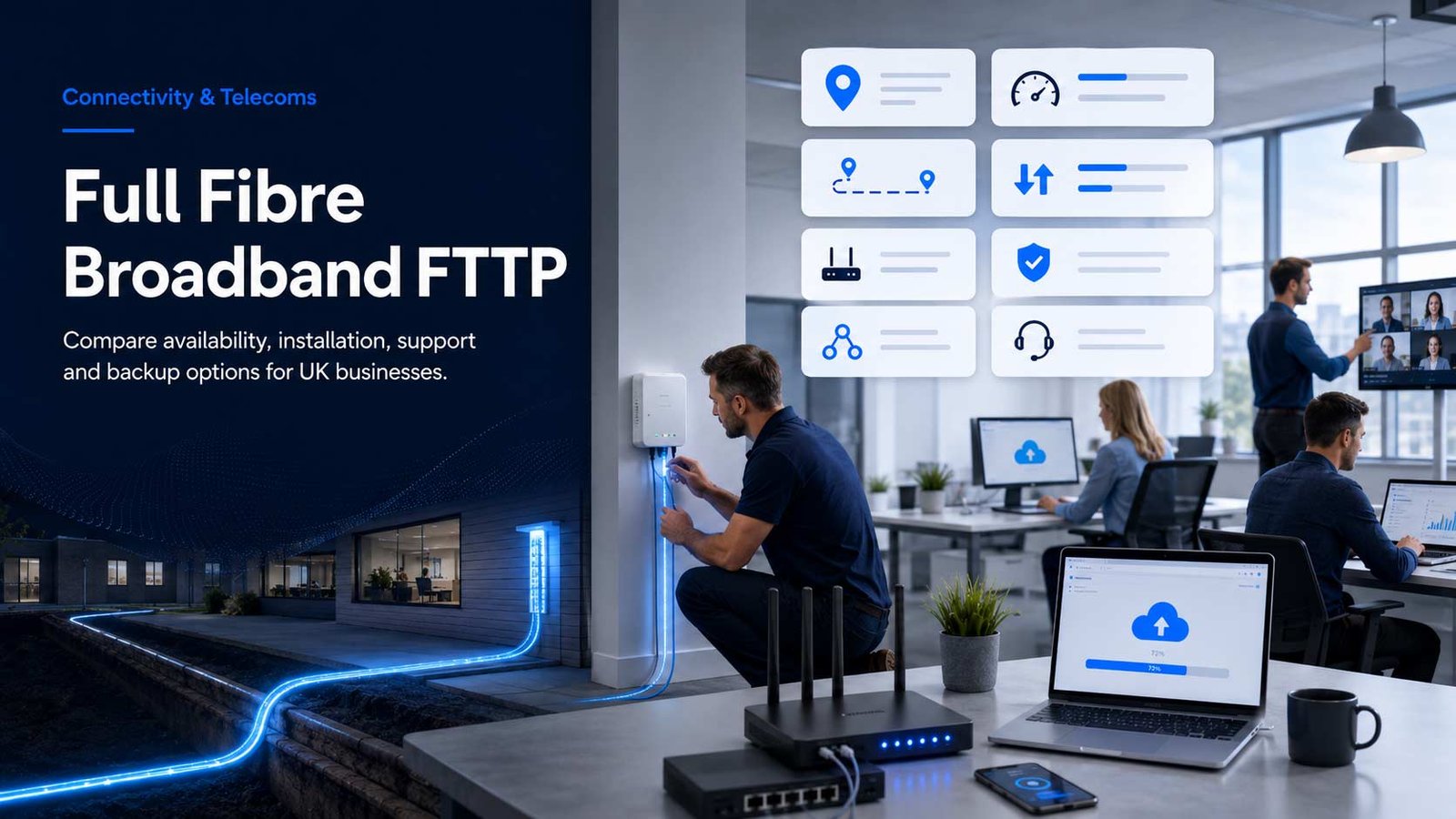
Why Full Fibre Broadband Matters
FTTP changes the buying decision because fibre reaches the premises directly. The comparison is not only about the biggest download number; it is about whether the connection, installation and support model match the way the business works.
- Assess whether FTTP is available and installable at the exact business address
- Check upload performance for cloud systems, file transfer and hybrid working
- Compare router, Wi-Fi, static IP and backup options before signing
- Review support response, contract terms and price-rise clauses as part of total value
Premises-readiness should shape the shortlist. A provider can advertise attractive full fibre speeds, but the practical result depends on address availability, installation route, router quality, support expectations and the business tasks running across the line.
For a small office, FTTP may be mainly about stable cloud access and multi-device performance. For a studio, clinic, agency or professional services firm, the priority may be upload speed, video meetings, secure remote access, backup connectivity or static IP availability.
Compare providers by availability, installation confidence, business features and support clarity rather than treating the cheapest headline package as the automatic winner.
Map The Business Connectivity Problem To The Right FTTP Criteria
Full fibre broadband comparison should start with the job the connection needs to perform, not only the speed tier shown in an advert.
| Business problem | FTTP comparison priority | What to check before choosing | Why it affects provider fit |
|---|---|---|---|
| Teams use cloud apps, large files and video meetings all day | Consistent downstream and upstream capacity | Upload speed, router performance, Wi-Fi coverage and fair usage terms | Fast downloads alone may not fix slow uploads, poor Wi-Fi or router bottlenecks |
| The business depends on card terminals, bookings, cloud software or online orders | Reliability and backup planning | Support hours, fault response, optional mobile backup and service credits | Availability of a fast line does not remove the need for resilience planning |
| The address is in a mixed-availability area | Installability and network footprint | Postcode checker result, survey requirement, wayleave issues and lead time | Two businesses on the same road can have different install outcomes |
| The business hosts secure access, CCTV, VPN or remote systems | Static IP and network features | Static IP cost, included security, router mode, port configuration and support skill | Business features often decide suitability more than headline bandwidth |
| The current provider contract is ending soon | Switch timing and cancellation risk | Minimum term, notice period, price increases, install date and downtime plan | A cheap deal can become expensive if switching causes disruption or overlap costs |
| The company operates several premises | Multi-site consistency | Account management, billing structure, support model, availability by site and rollout approach | One excellent postcode result does not mean all branches can use the same package |
Top UK Full Fibre Broadband Providers To Compare
Use this table as a shortlist framework. Availability, speed tiers and service features vary by postcode, network and selected package, so each provider should be checked against the same criteria.
| Provider | FTTP / full fibre positioning | Strongest business-fit signals | Comparison checks before signing |
|---|---|---|---|
| BT Business | Offers Full Fibre broadband for business with postcode-based availability and packages advertised up to high ultrafast tiers. | Established business support model, business broadband options, security add-ons and migration familiarity for UK SMEs. | Check exact address availability, guaranteed speed terms, router/Wi-Fi package, support tier and annual price changes. |
| Virgin Media Business | Promotes Voom Fibre business broadband with high-speed packages and business-focused connectivity options. | Useful for businesses in Virgin Media enabled areas that want high advertised download speed and optional connectivity extras. | Check upload speed, minimum speed information, static IP options, install route and whether backup is included or extra. |
| Vodafone Business | Offers business broadband and fibre plans including Full Fibre 100 and higher-speed packages where available. | Good for small offices that want a straightforward business plan, wider Vodafone account relationship and full fibre availability checks. | Check annual increase terms, upload speed, router options, support model and whether the package suits more than basic office use. |
| TalkTalk Business | Markets Business Full Fibre (FTTP) as a fibre connection direct to premises, with different speed choices and support options. | Useful for firms that want full fibre packages with business support, static IP options and contract-duration choice. | Check 12 versus 24-month terms, support scope, Wi-Fi Hub fit, optional phone add-ons and installation expectations. |
| Sky Business | Provides business broadband packages with Full Fibre speeds available on relevant packs and postcode-led availability checking. | Useful for small sites that value bundled Wi-Fi, security features and package simplicity. | Check full fibre package tier, Wi-Fi/router capability, security inclusions, static IP availability and support route. |
| Zen Business | Advertises business full fibre broadband with high-speed packages, UK-based support and optional 4G backup. | Strong fit where support quality, service clarity and upload-heavy working are priorities. | Check exact available speed, backup option cost, router choice, static IP, support commitments and contract terms. |
| EE Business | Provides business broadband through EE and BT Business connectivity, positioned for small business users. | Useful for businesses already using EE/BT services or wanting mobile and fixed connectivity under a familiar provider group. | Check whether the order is fulfilled through BT Business, available FTTP tier, support pathway and account management. |
| CityFibre Business Network Partners | CityFibre operates a full fibre network with business broadband available across its footprint via partner channels. | Useful where the premises is inside CityFibre coverage and a business wants alternative network availability. | Check which retail providers serve the postcode, service-level options, installation route and account ownership. |
| Daisy Communications | Offers full fibre broadband / FTTP connectivity and business broadband support through Daisy Group channels. | Useful for companies that want business connectivity with broader telecoms and IT account support. | Check package speed, support hours, static IP, security options, install lead time and whether the provider relationship is direct or partner-led. |
| bOnline | Provides business fibre connectivity for small businesses, with packages aimed at straightforward SME needs. | Useful for smaller firms looking for business broadband, router simplicity and affordability. | Check whether the selected package is full fibre at the exact address, what support is included and which add-ons are bundled. |
Compare FTTP By Workload, Not Just Headline Speed
The fastest-looking package is not always the best-value package. The right tier depends on how many users, devices, cloud workflows and upload-heavy tasks share the connection.
| Workload profile | What usually matters most | Provider questions to ask | Risk if ignored |
|---|---|---|---|
| Small professional office | Stable browsing, cloud access, meetings and email performance | Is the router business-grade, is support business-focused, and are static IPs available? | The connection may be fast but still frustrating if router coverage or support is weak |
| Creative, design or media workflow | Upload speed, large file handling and cloud storage performance | What are the upload speeds on each package, not only download speeds? | Large uploads, cloud backups and shared files may still feel slow |
| Retail, hospitality or appointment-led site | Operational uptime, payment systems and backup connectivity | What happens if the line fails, and is a backup option available? | Transaction and booking disruption may cost more than the monthly saving |
| Hybrid working team | Video calls, VPN access, collaboration tools and multi-device consistency | How does the package perform under simultaneous usage and is Wi-Fi coverage included? | Remote staff may experience instability even where download speed is high |
| Multi-site business | Availability, billing, account management and rollout sequencing | Can the provider support every site, or will each address need a different solution? | Inconsistent site coverage may create support and billing complexity |
Look Beyond The Monthly FTTP Price
A credible FTTP comparison should separate visible monthly price from the operating cost of the full package.
| Cost factor | What to review | Why it matters | Question for the provider |
|---|---|---|---|
| Promotional pricing | Introductory discounts and the price after the offer period | Low early pricing can hide a higher effective cost across the full term | What will the monthly price be in year two and at renewal? |
| Installation and activation | Setup, engineer visit, router delivery and any special build requirements | Some premises may need extra work before the service can go live | Is the quoted price still valid if a survey is required? |
| Static IP | Included, optional or unavailable depending on provider and package | Important for remote access, security systems, servers and some business apps | Is a static IP included, and how many can be provided? |
| Router and Wi-Fi | Router model, Wi-Fi coverage, mesh options and install support | Internal coverage often determines the real user experience | What happens if the router is not suitable for the premises layout? |
| Support tier | Business support hours, fault response, escalation and account management | Support clarity matters when the connection becomes operationally critical | Is there a defined business repair target or only standard support? |
| Backup connectivity | Mobile failover or secondary connectivity options | FTTP improves performance but does not remove all outage risk | Is backup included, optional, or something we need to arrange separately? |
Prepare The Premises Before Ordering Full Fibre
Many FTTP problems are not provider-selection problems. They are readiness problems caused by unclear access, weak internal Wi-Fi planning or an unrealistic switch date.
- Confirm exact address availability using the provider or network checker.
- Check whether an engineer visit, survey, landlord approval or wayleave is needed.
- Map where the ONT, router and Wi-Fi equipment will sit inside the premises.
- Review business-critical systems that depend on connectivity during the switch.
- Confirm static IP, backup, router, support and contract terms in writing before signing.
- Plan a go-live window that avoids peak trading, payroll, reporting or customer-service pressure.
Common FTTP Comparison Mistakes To Avoid
These are the issues most likely to create poor outcomes even where the connection itself is technically strong.
Comparing Only Download Speed
Upload speed, router performance, support and reliability features can be more important for business workflows.
Ignoring Installation Detail
FTTP availability does not always mean instant installation. Access, routing and engineer scheduling still matter.
Missing Static IP Requirements
Remote access, secure systems and hosted services may need static IP features that are not always included by default.
Assuming Wi-Fi Will Improve Automatically
A full fibre line can still feel poor if internal Wi-Fi coverage is weak or the router is badly placed.
Skipping Backup Planning
Important sites should understand what happens if the primary connection fails and whether backup is included.
Forgetting Price-Rise Clauses
Annual increases, promotional roll-offs and renewal terms can affect the real cost of a package.
Frequently Asked Questions
Quick answers for UK business buyers comparing Full Fibre Broadband (FTTP) providers.
What Is Full Fibre Broadband (FTTP) For Business?
Full fibre broadband, also called FTTP, connects fibre optic cable directly to the business premises. It is designed to offer faster and more consistent performance than older part-fibre services, subject to address availability, package choice, router quality and the provider support model.
How Should A Business Compare FTTP Providers?
Compare availability at the exact premises, download and upload speeds, installation route, router and Wi-Fi capability, static IP options, support response, backup connectivity, contract term, annual price changes and the provider’s suitability for your business workload.
Is The Fastest FTTP Package Always The Best Choice?
No. The fastest advertised package may not be the best-value option if the business does not need that speed or if support, Wi-Fi, backup, static IP or contract terms are weaker than another provider’s offer.
Do All FTTP Providers Offer The Same Upload Speed?
No. Upload speeds vary by provider, network and package. Businesses that use cloud backup, large files, remote access, video meetings or collaboration platforms should check upload speed as carefully as download speed.
What Should I Check Before Switching To FTTP?
Check exact premises availability, install lead time, access requirements, current contract notice, equipment placement, static IP needs, backup plans and whether the provider can confirm all commercial terms before order completion.
Can FTTP Support Multiple Devices In A Small Business?
Yes, provided the package, router and internal Wi-Fi are suitable. The connection entering the premises is only one part of performance; device count, layout, wireless coverage and router capability also affect the user experience.
Provider Information And Verification Resources
Packages, availability, pricing and service terms can change. Check the latest address-level availability, installation conditions and contract terms with each provider before placing an order.
- Ofcom — switching mobile, broadband and landline provider guidance
- Ofcom — phone and broadband contract guidance
- Openreach — fibre broadband availability checker
- Openreach — where full fibre is being built
- CityFibre — full fibre broadband for business
- BT Business — Full Fibre broadband for business
- Virgin Media Business — Voom Fibre business broadband
- Vodafone Business — business broadband plans
- TalkTalk Business — Full Fibre Business Broadband
- Sky Business — Full Fibre business broadband
- Zen Business — business full fibre broadband
- EE Business — business broadband
- Daisy Group — full fibre broadband
- bOnline — business fibre broadband